Project information, diagrams, and screenshots are shared with client approval. Sensitive business data has been removed or anonymized, and the showcased interface is from the staging deployment.
GEAR
Garam Enterprise & Analytics Resource
Role
Lead Developer
Timeline
Jan – Jun 2026
Team
5 Developers
Users
30+ Employees
GEAR is a custom web-based mini-ERP developed as a capstone project under Universitas Indonesia
supervision and deployed to a real Indonesian salt manufacturing and distribution business.
It replaces paper-based ledgers and disconnected spreadsheets with a unified digital operational
backbone covering procurement, inventory, daily production, sales, finance, analytics, pricing,
and a WhatsApp chatbot. The entire system runs on a production Linux VPS.
The system is structured around document workflows. Users create operational documents: purchase
orders, daily production records, sales orders, finance entries, and delivery notes. Services then
produce side effects such as stock movements, event logs, finance entries, and partner statistics.
All modules share the same database, role-based permission layer, and event audit log. Business logic
is isolated in a service layer so it stays consistent whether invoked from the web UI, an HTMX
fragment, or a chatbot command.
Interface Showcase
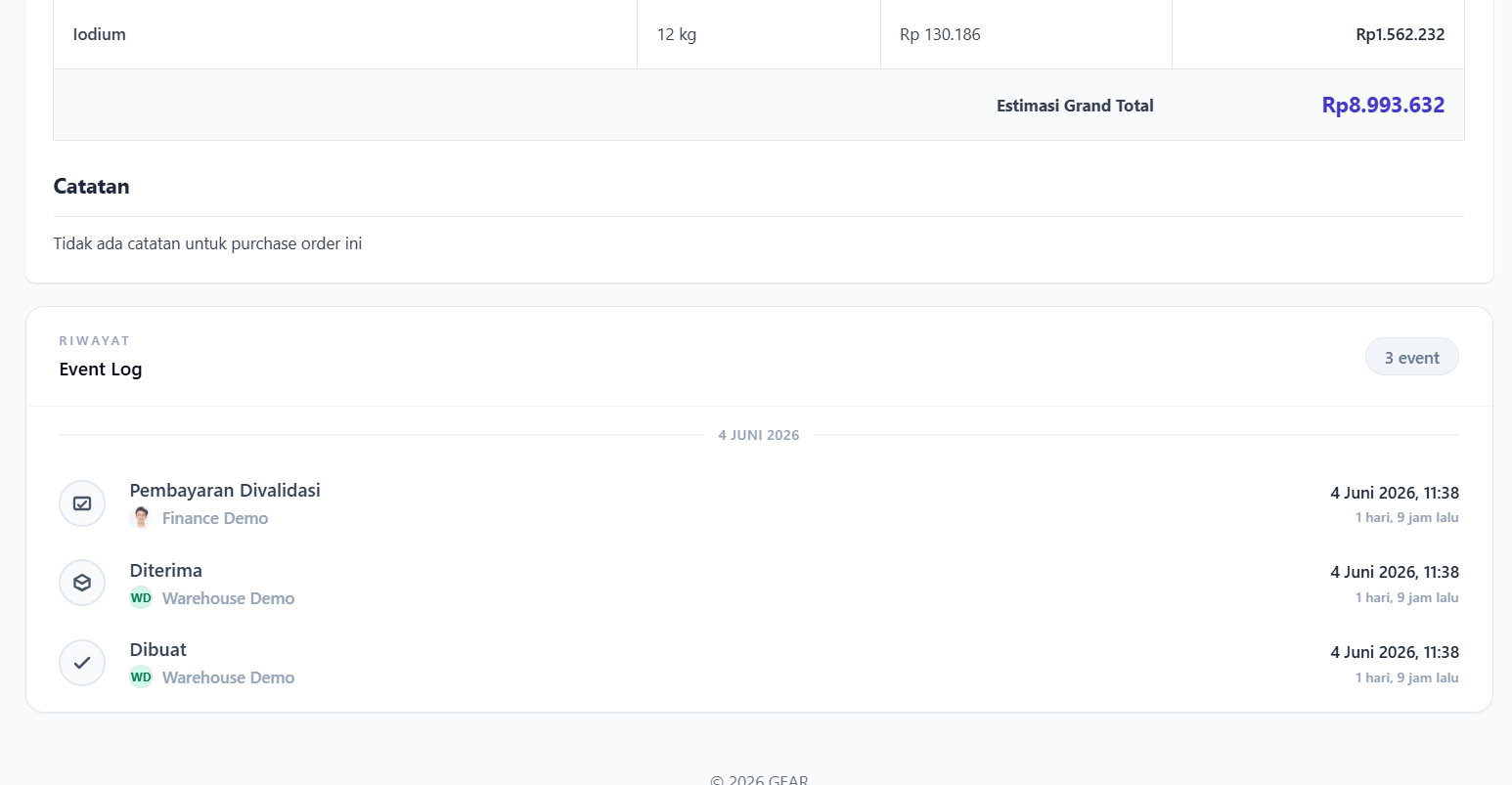
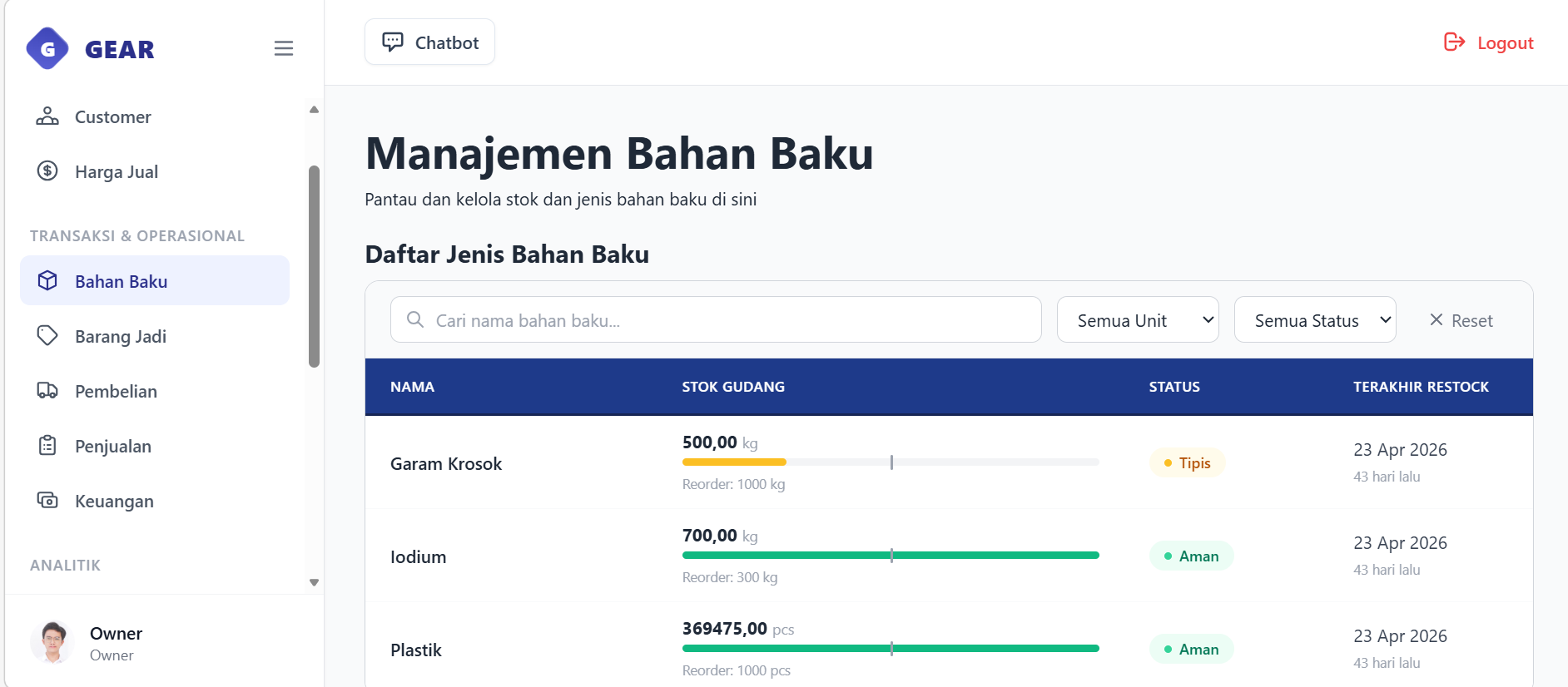
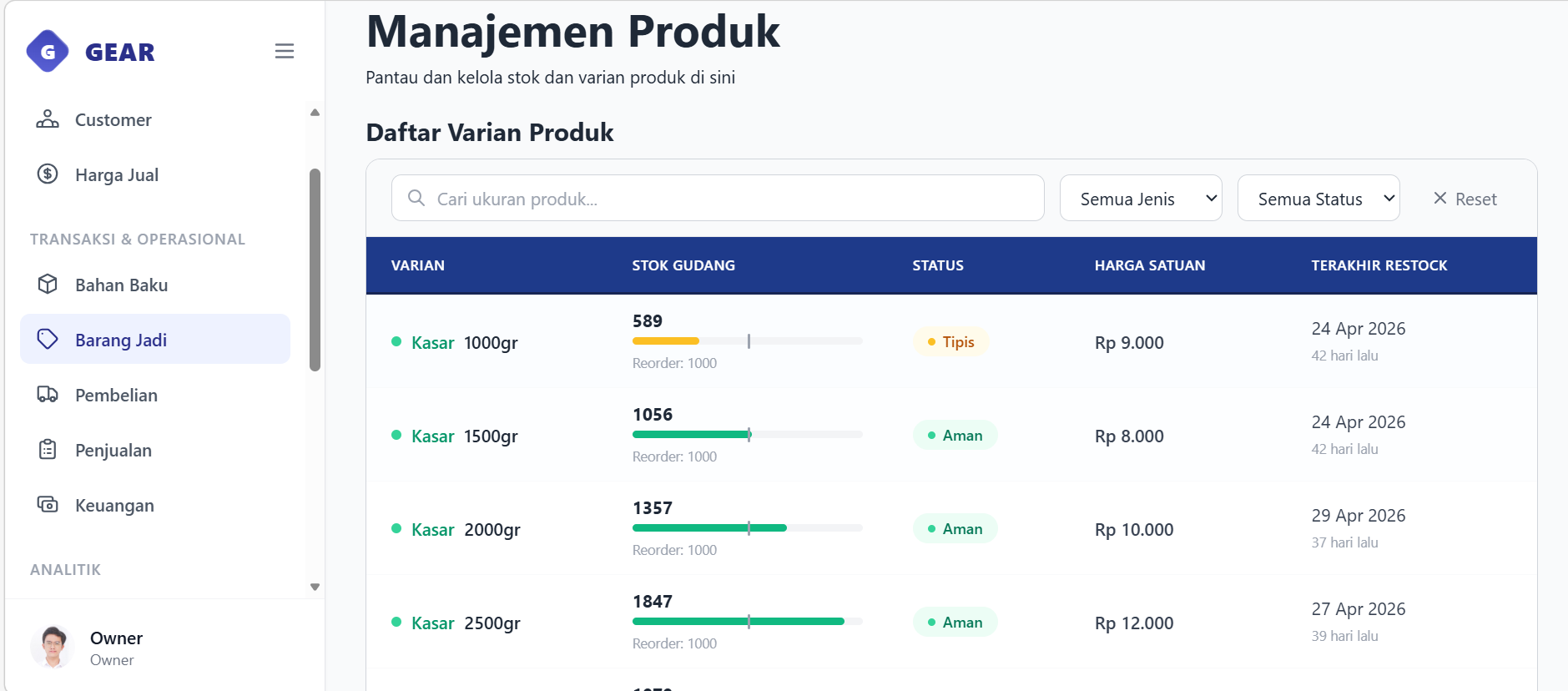
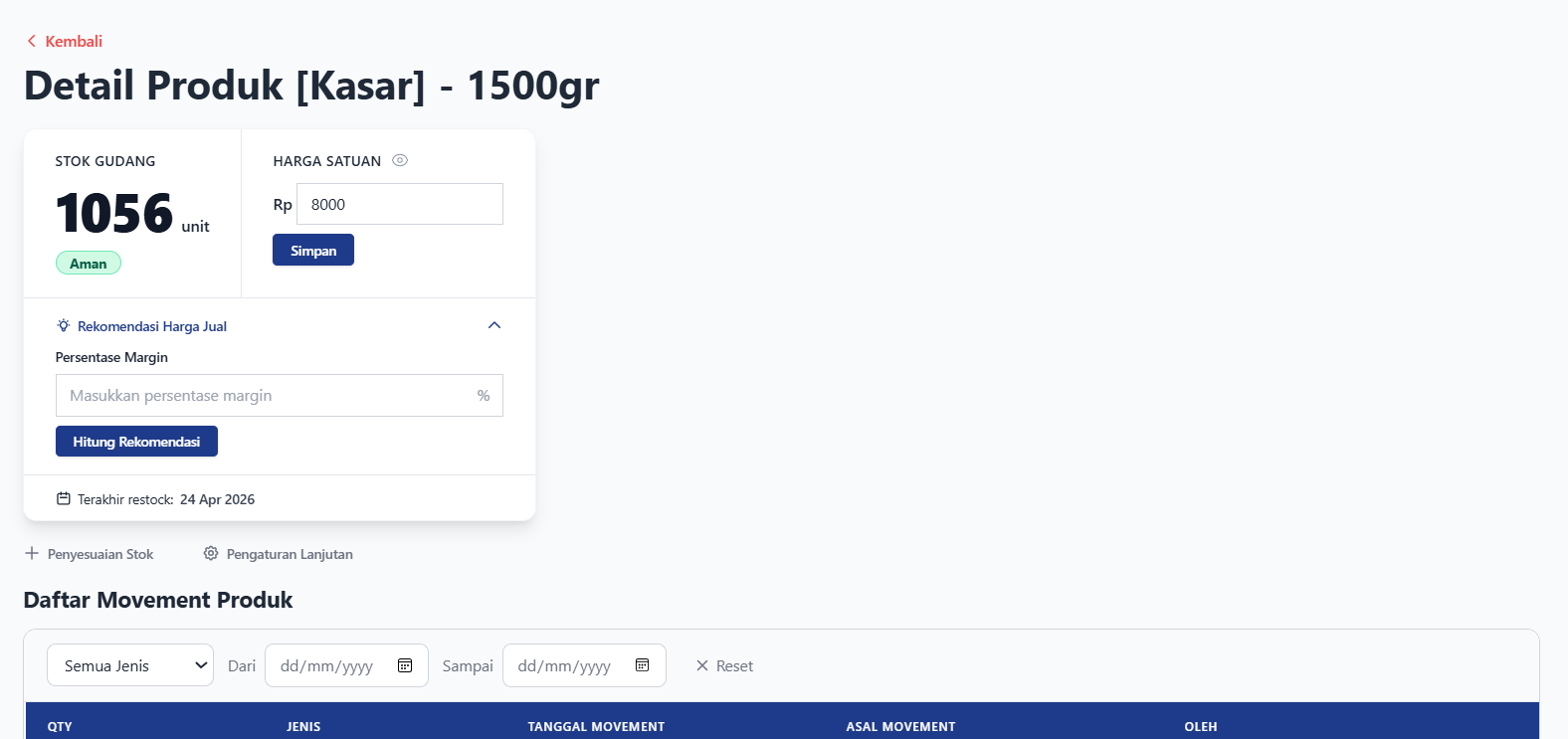
Explore the interface of GEAR. Select a module below to view screenshots from the staging deployment with dummy data.
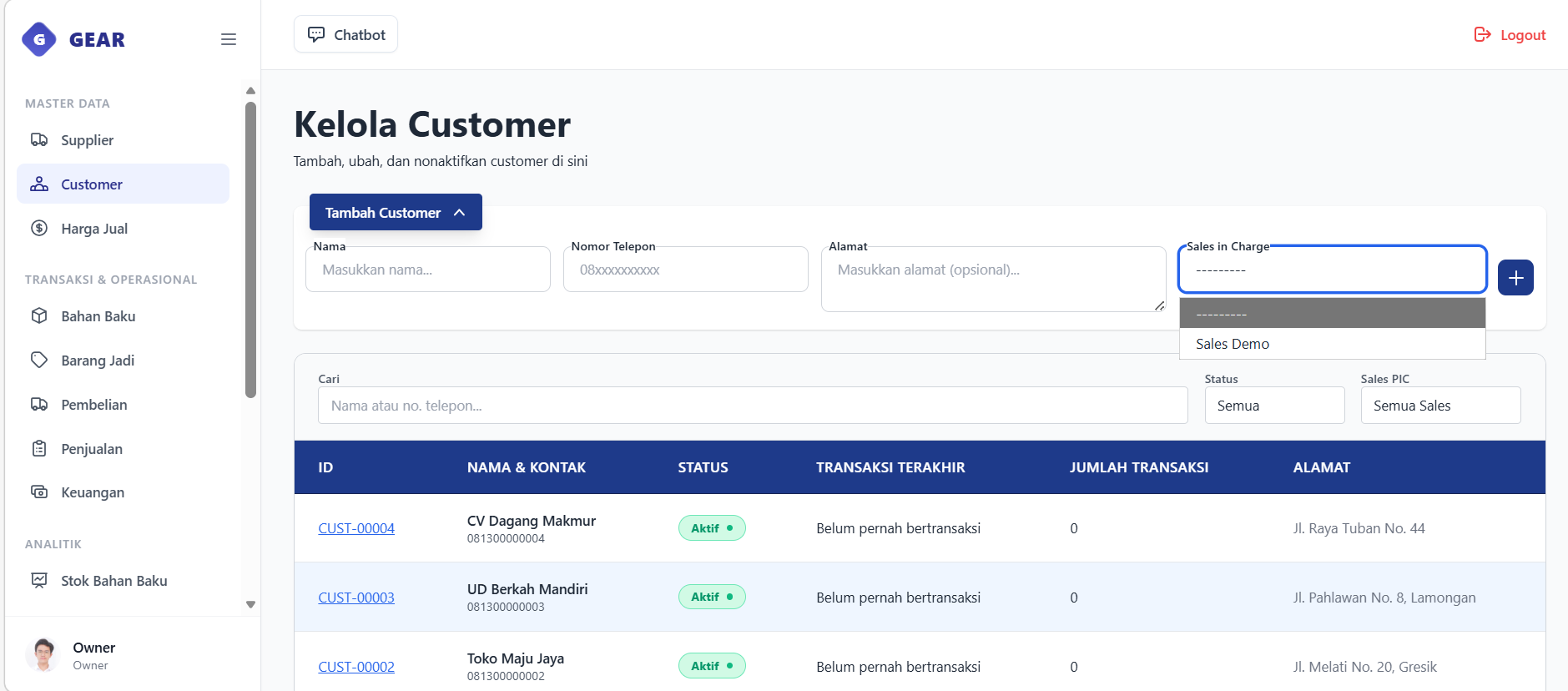
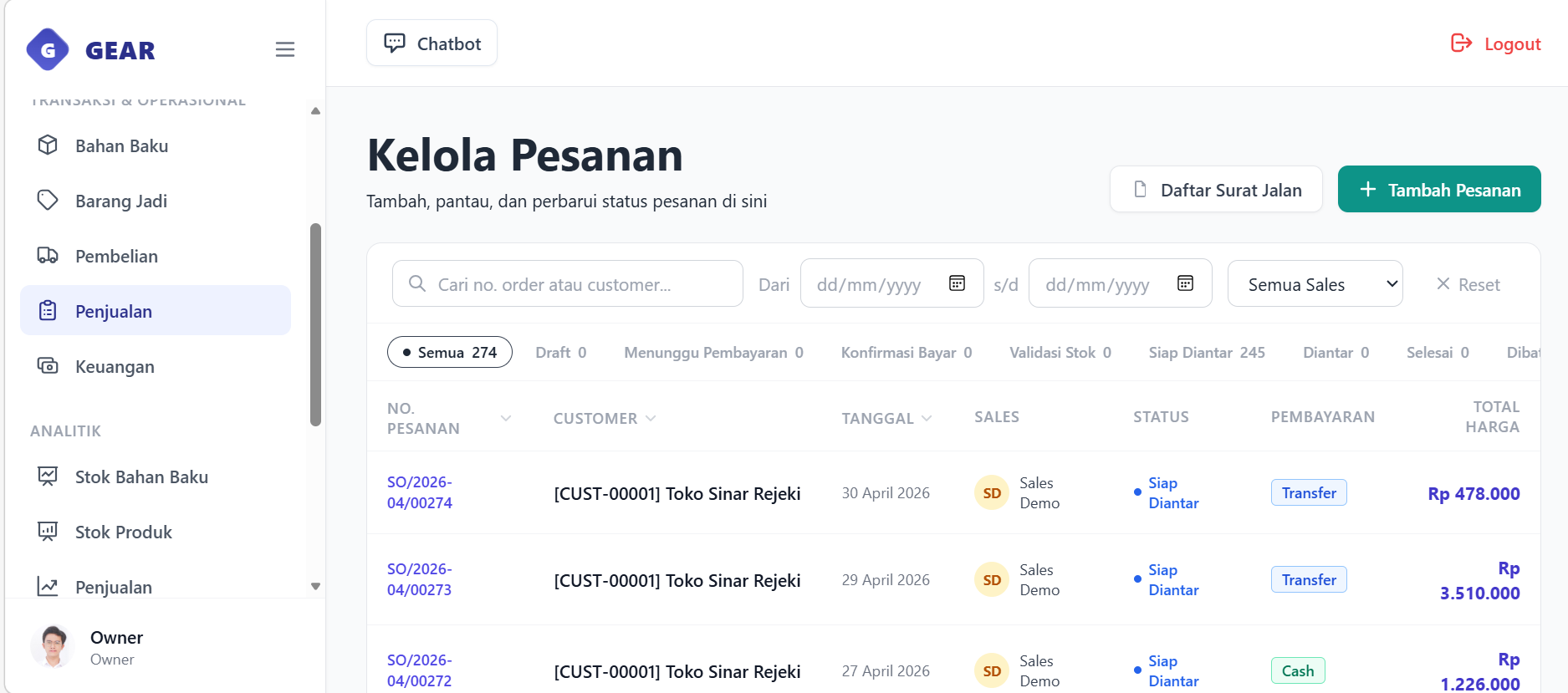
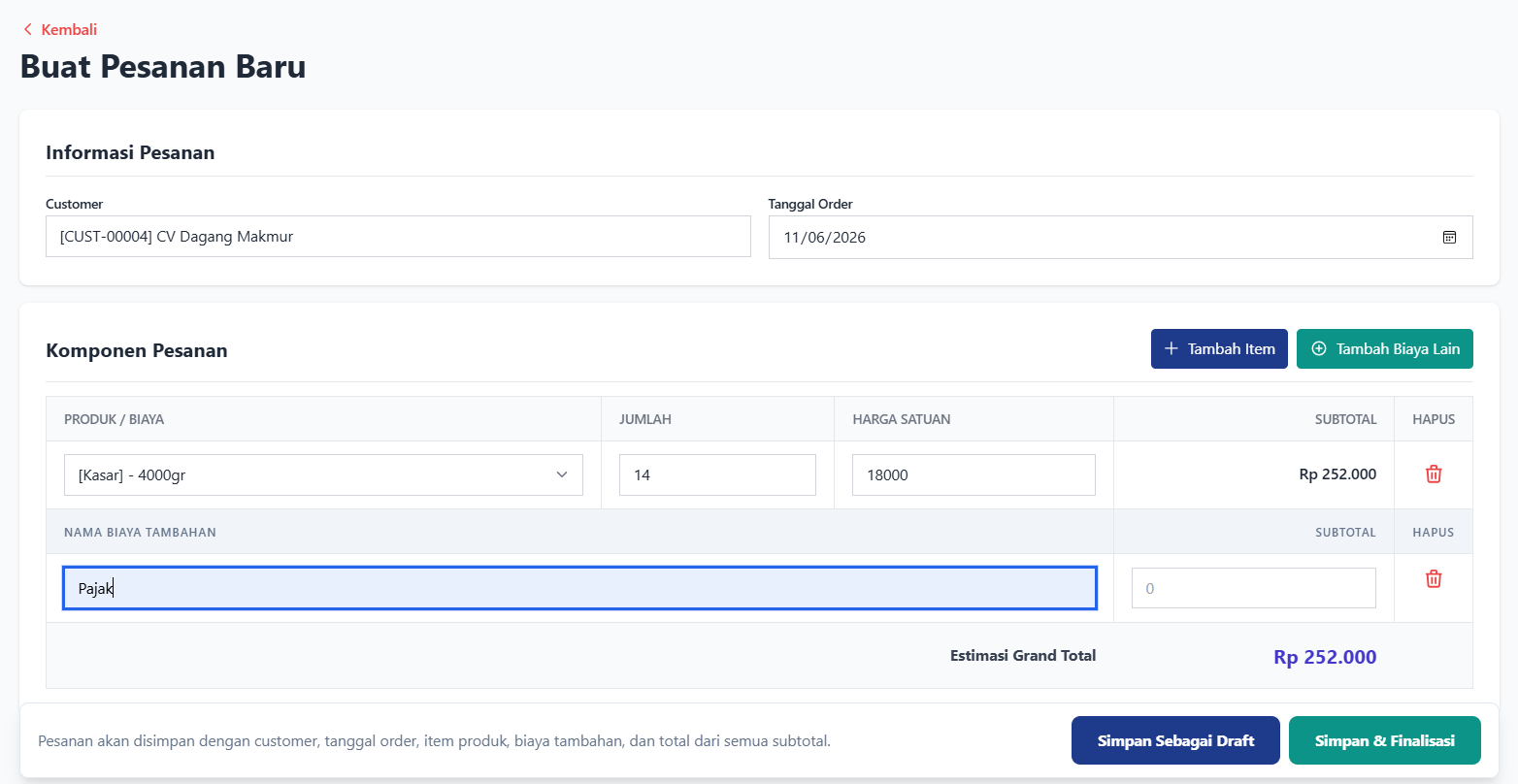
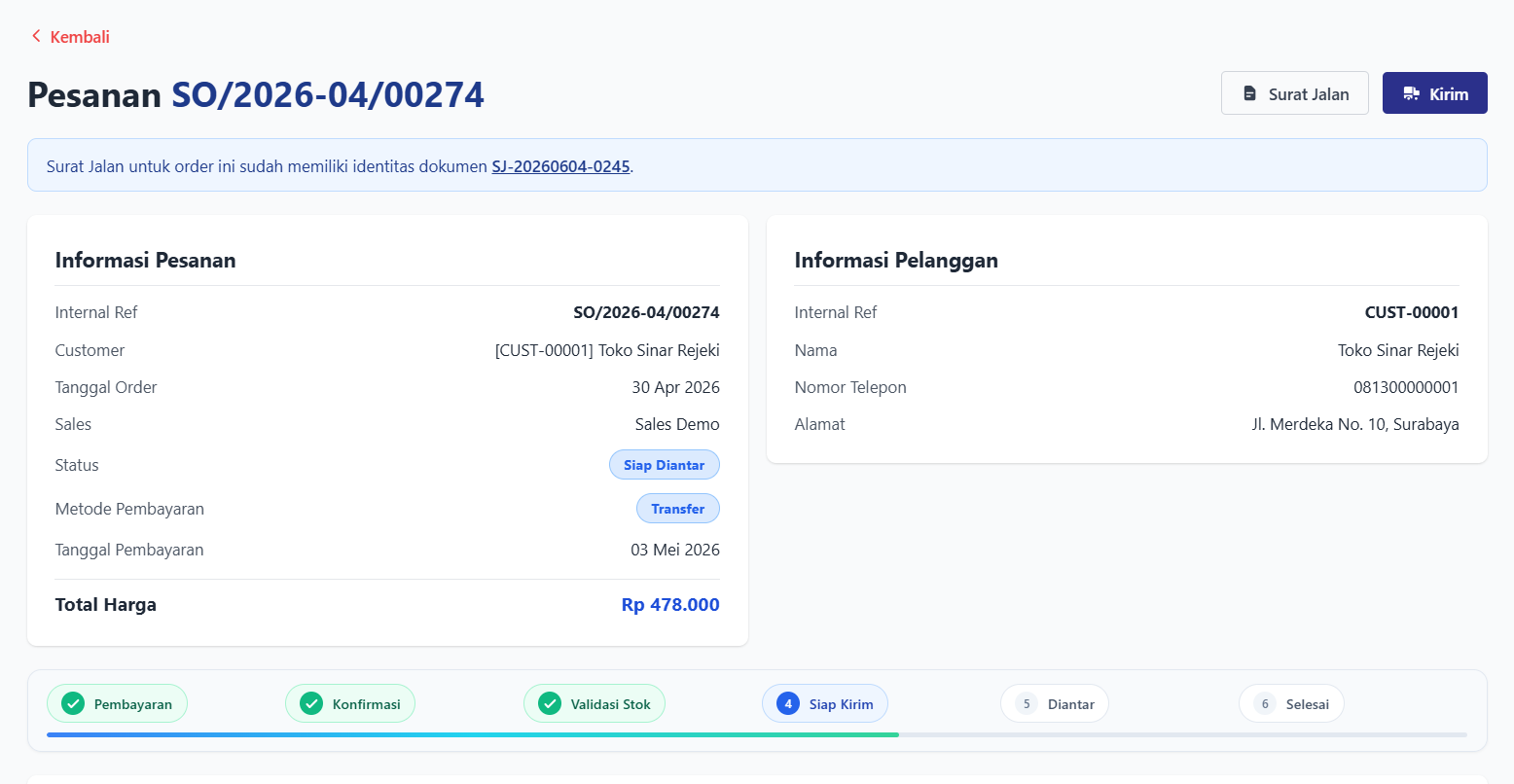
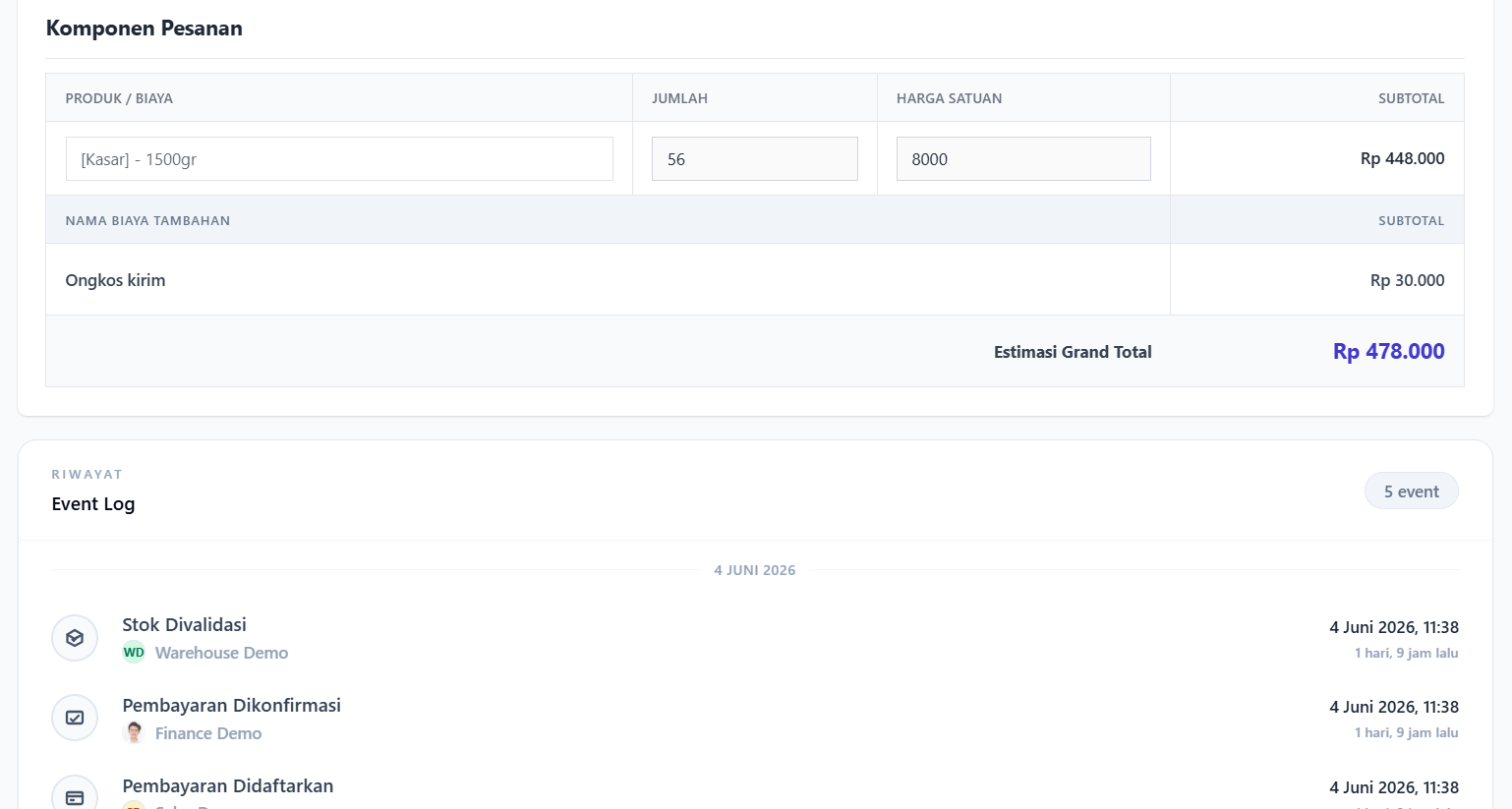
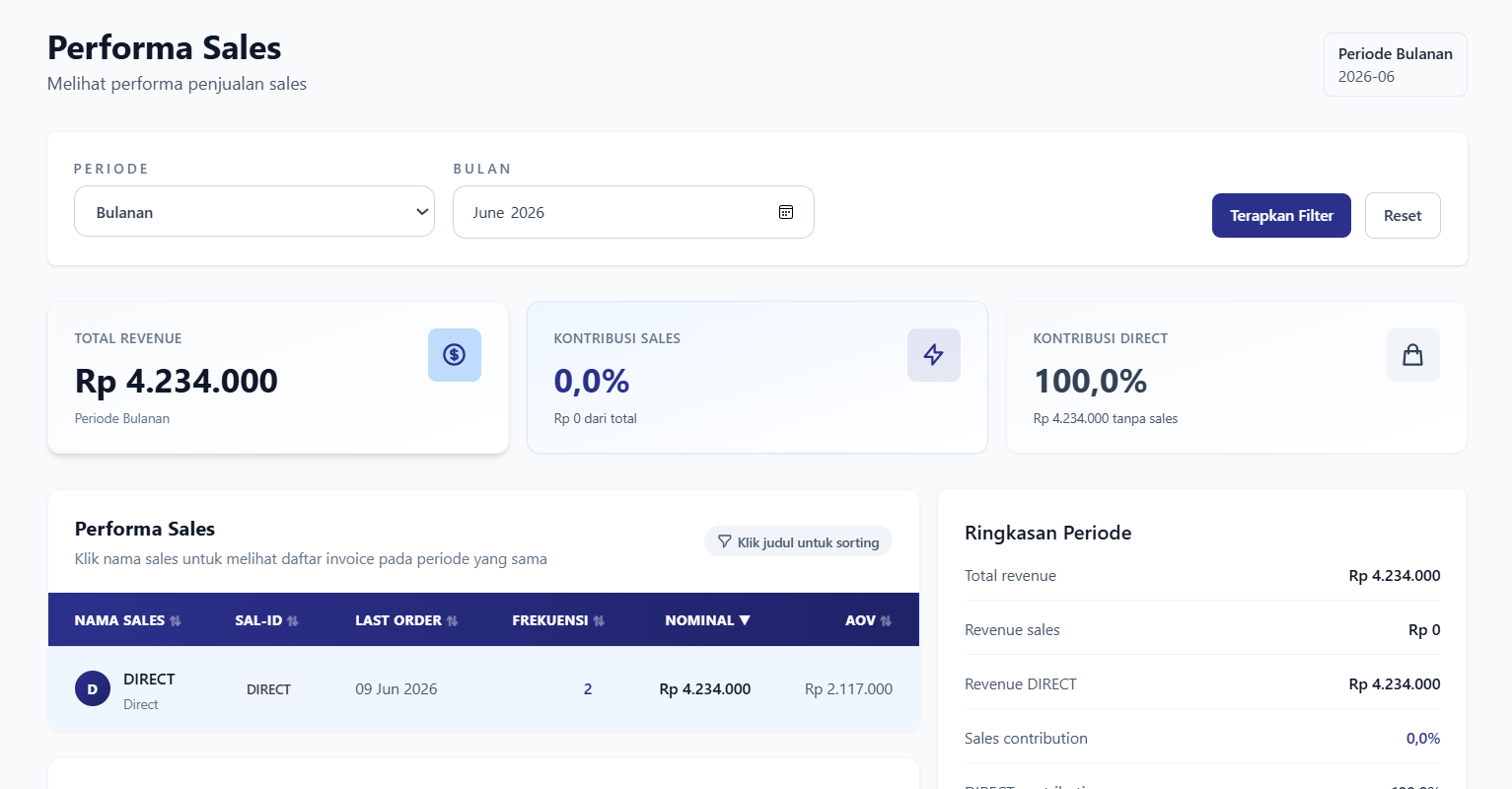
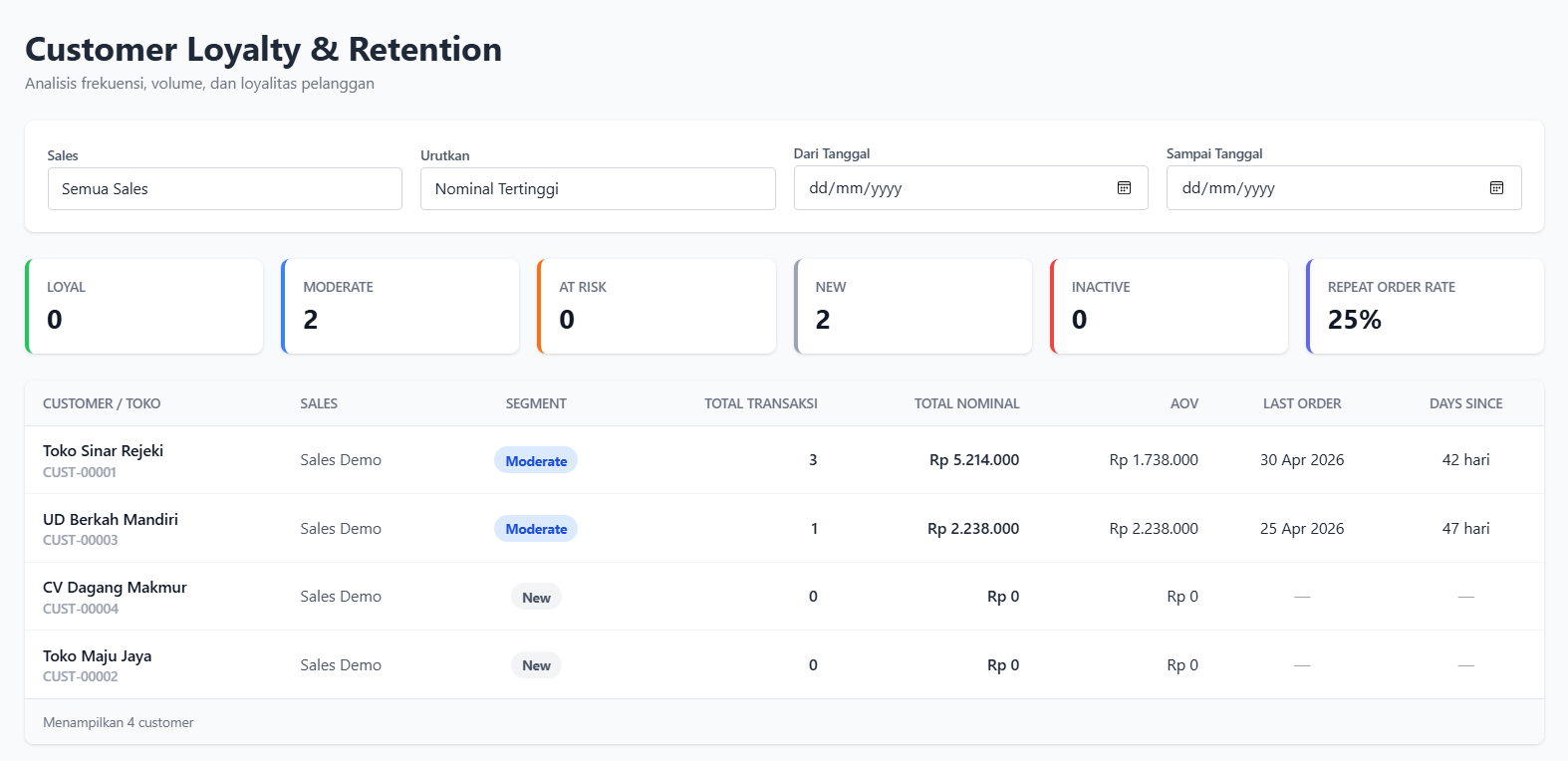
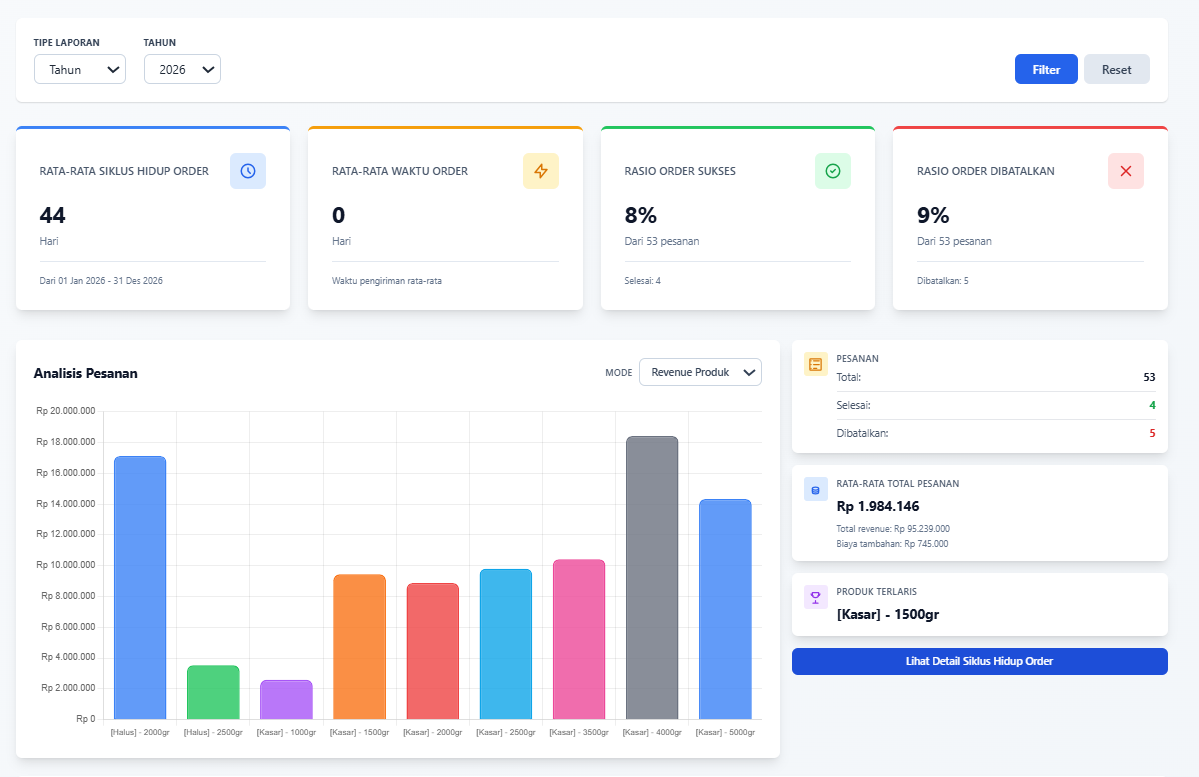
Customer directory listing all customers, with navigation to each customer detail page and quick-create drawer.Sales Order dashboard displaying order status tabs, date filters, and list of transactions.Create Sales Order form workspace facilitating customer selection, order date setting, itemized entry of product lines, and custom charges with live grand total calculation.Sales Order details page showing customer info, items, status transition pipeline, and document action controls.OrderEventLog panel displaying the audit history of status changes and user attributions.Sales performance dashboard tracking total monthly revenue, sales versus direct channel contributions, and representative metrics (frequency, revenue, and average order value).Customer loyalty and retention dashboard displaying RFM segmentation counts (loyal, moderate, at-risk, new, inactive), repeat order rate, and individual customer engagement statistics.Sales order analytics dashboard visualizing average order lifecycle durations, shipment success/cancellation ratios, and product revenue distribution chart.
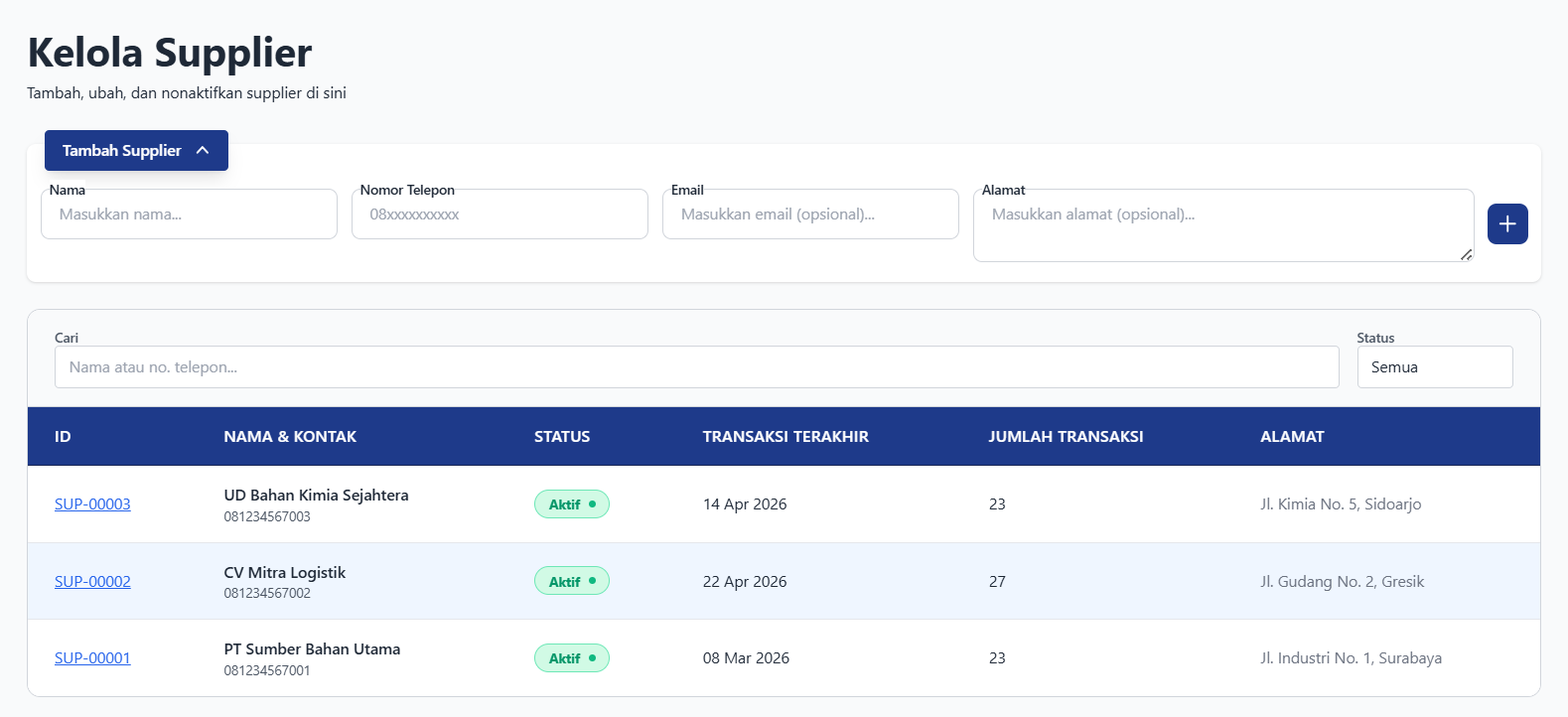
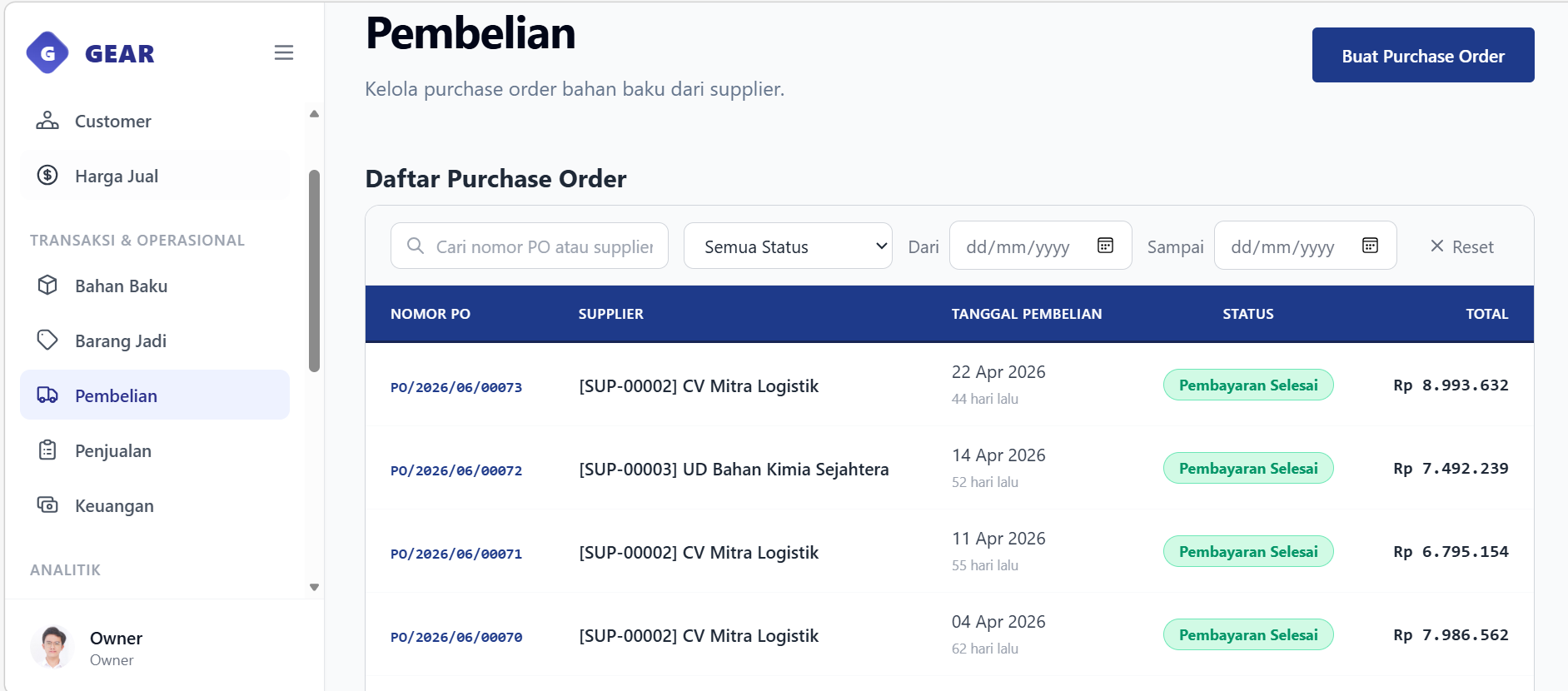
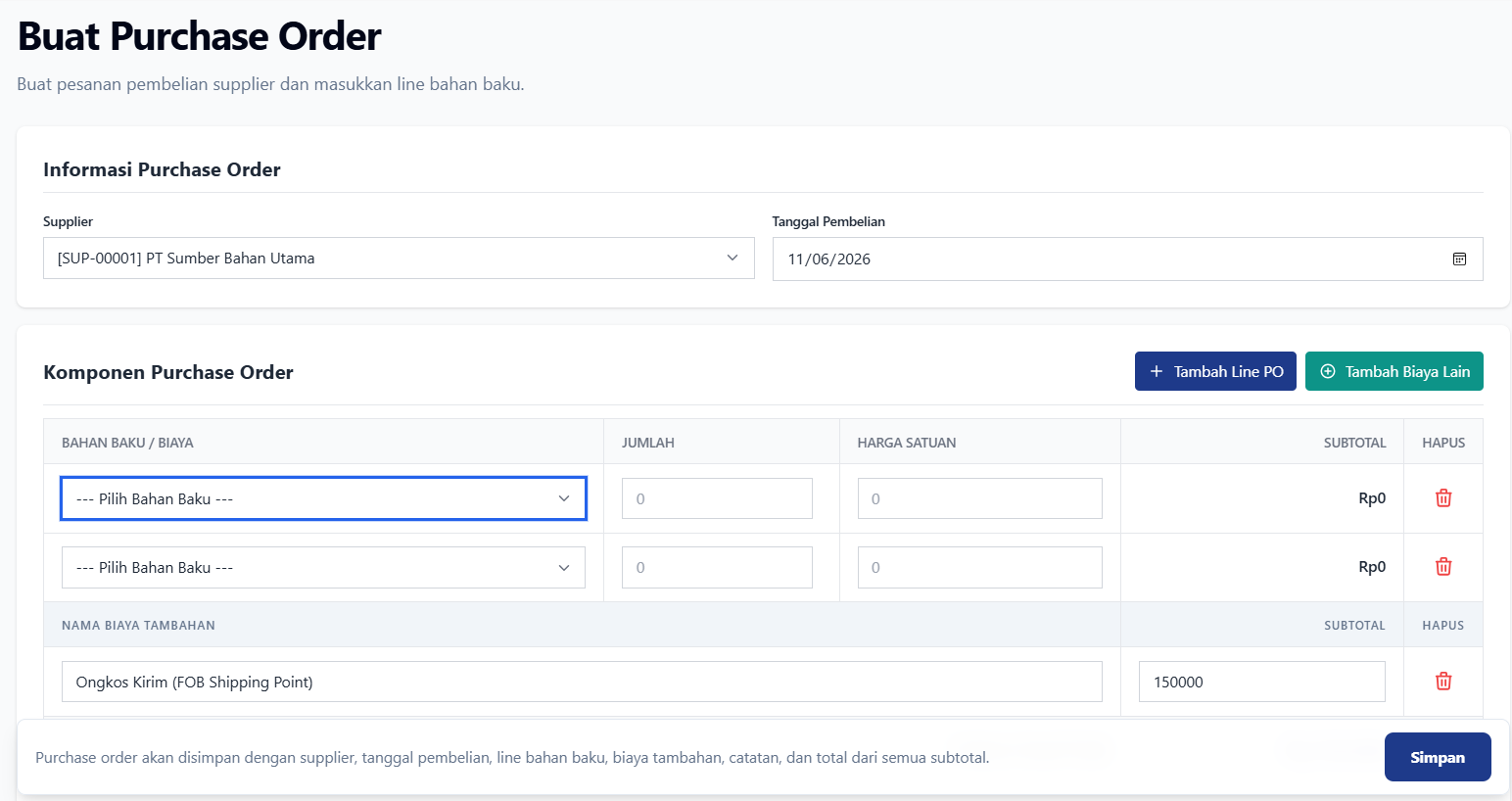
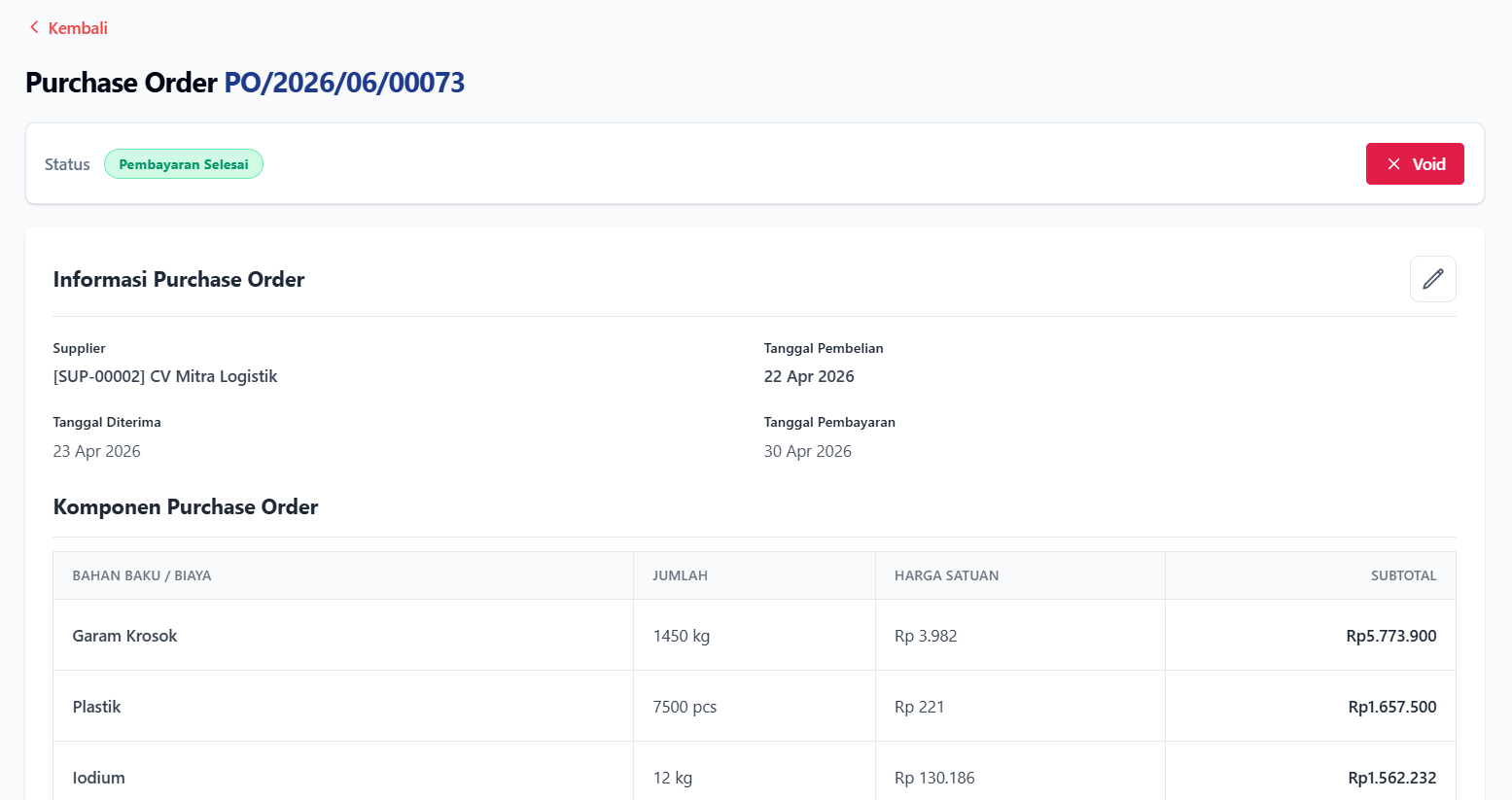
Supplier directory listing all suppliers, with navigation to each supplier detail page and quick-create drawer.Purchase Order index displaying procurement status tabs, purchase totals, and supplier records.Create Purchase Order form workspace for selecting suppliers, specifying purchase dates, adding multiple raw material line items, and appending custom shipping fees.Purchase Order details page showing supplier info, purchase date, lines, extra costs, and status actions.PurchaseOrderEventLog panel displaying chronological document history.
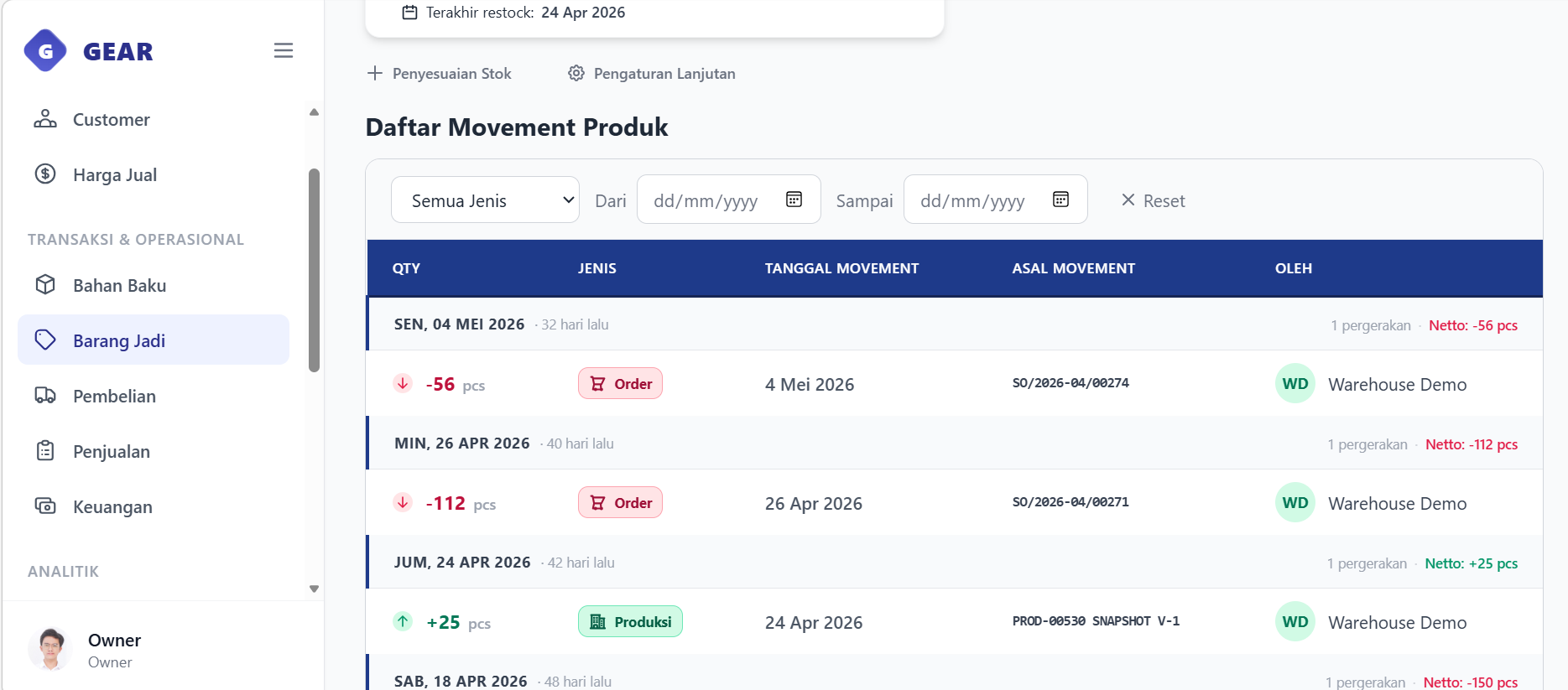
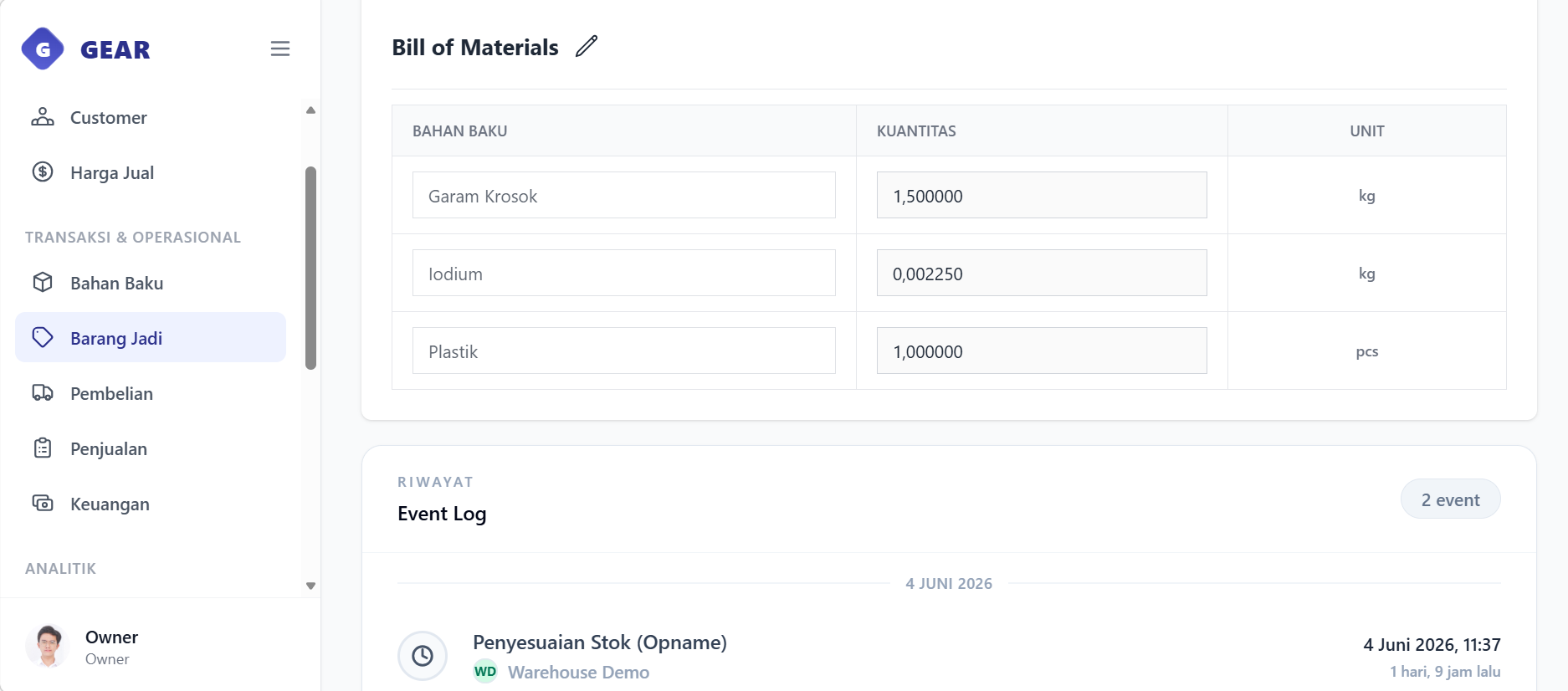
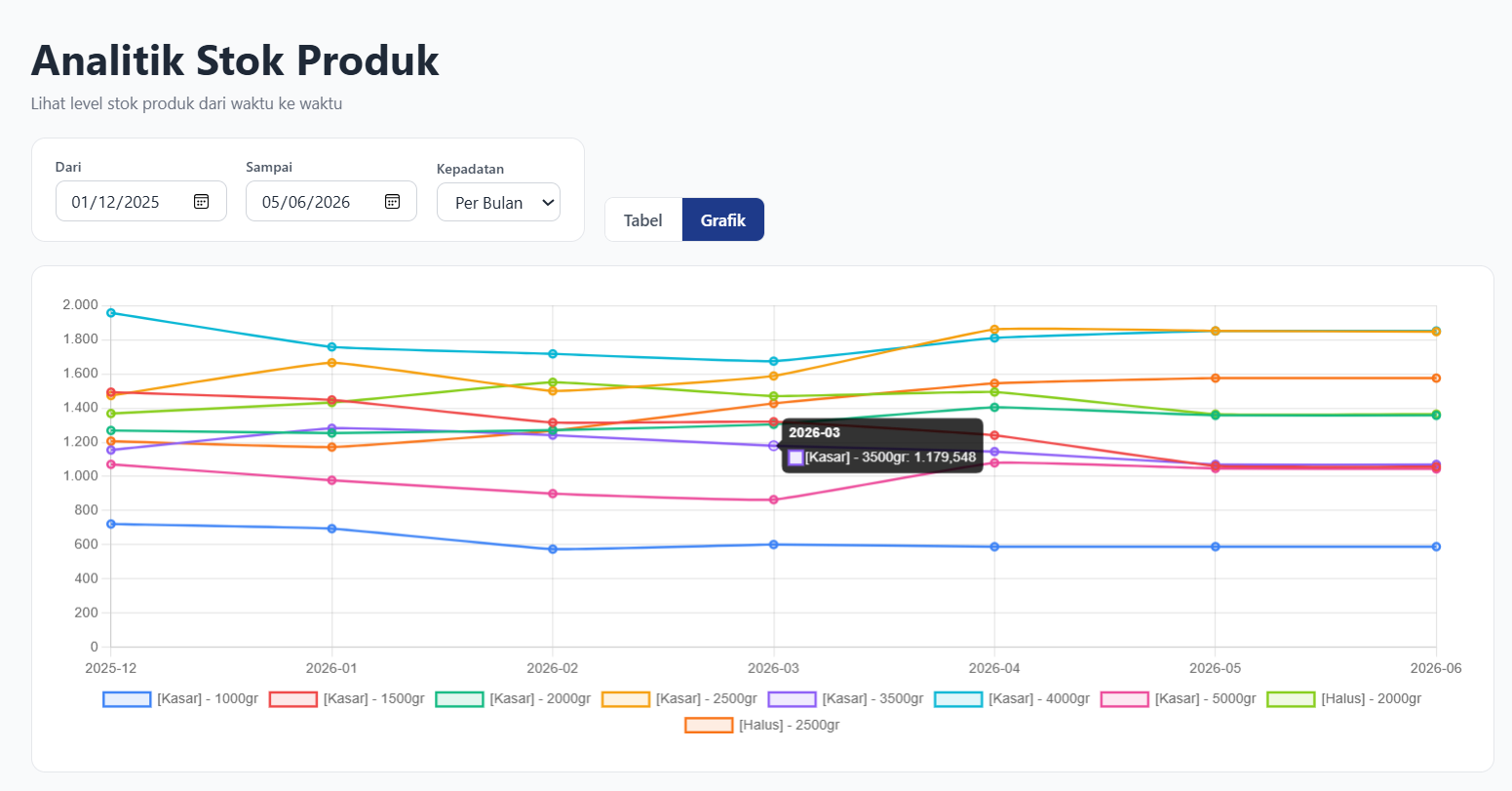
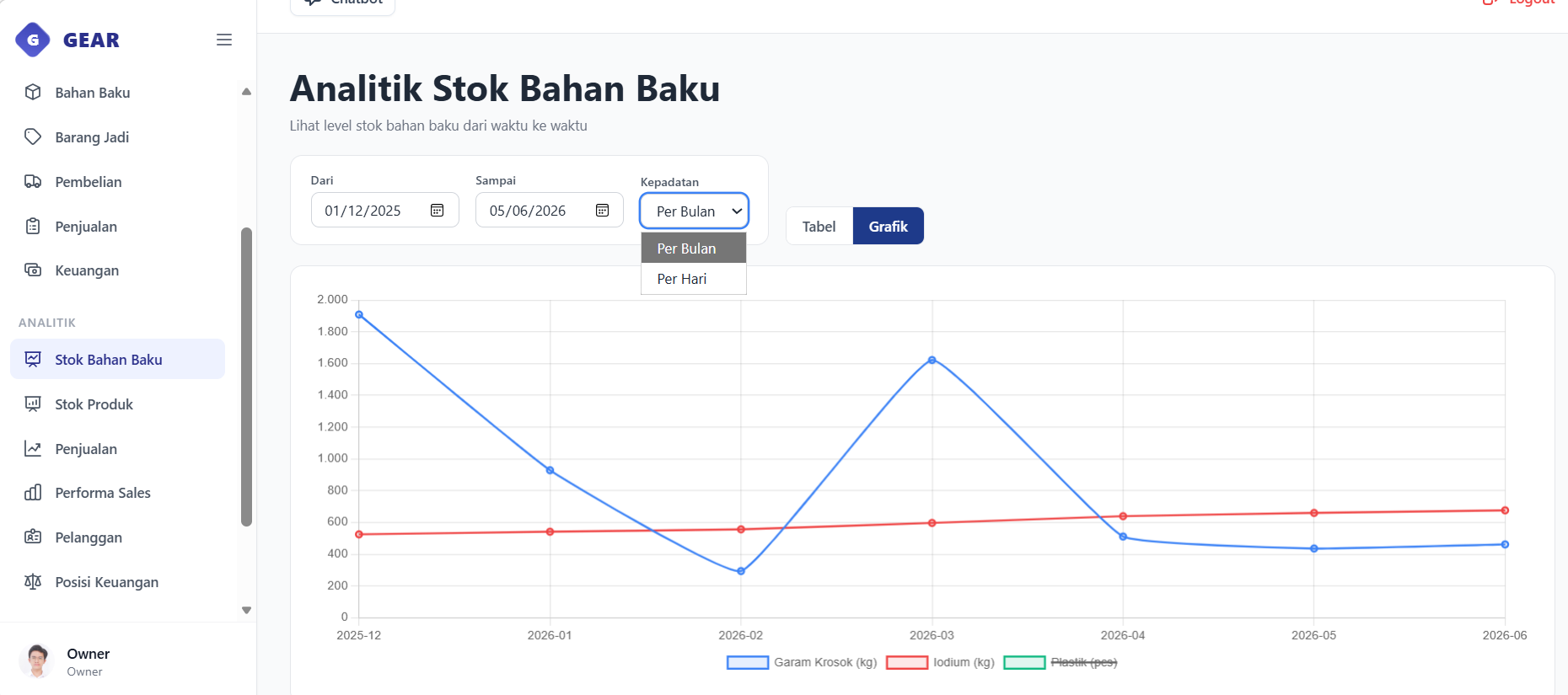
Raw Material index tracking safety stock thresholds and stock status (safe, low, out of stock).Finished Products catalog displaying sizes, current stock levels, and unit prices.Product details page showing variant settings, stock movements ledger, and stock opname adjustments (also available for raw material).Stock movements ledger displaying chronological additions and deductions labeled by source document (also available for raw material).BOMLine configuration specifying the raw material composition required per product batch.Product stock analytics chart tracking monthly stock level trends.Raw Material stock analytics chart tracking monthly stock level trends.
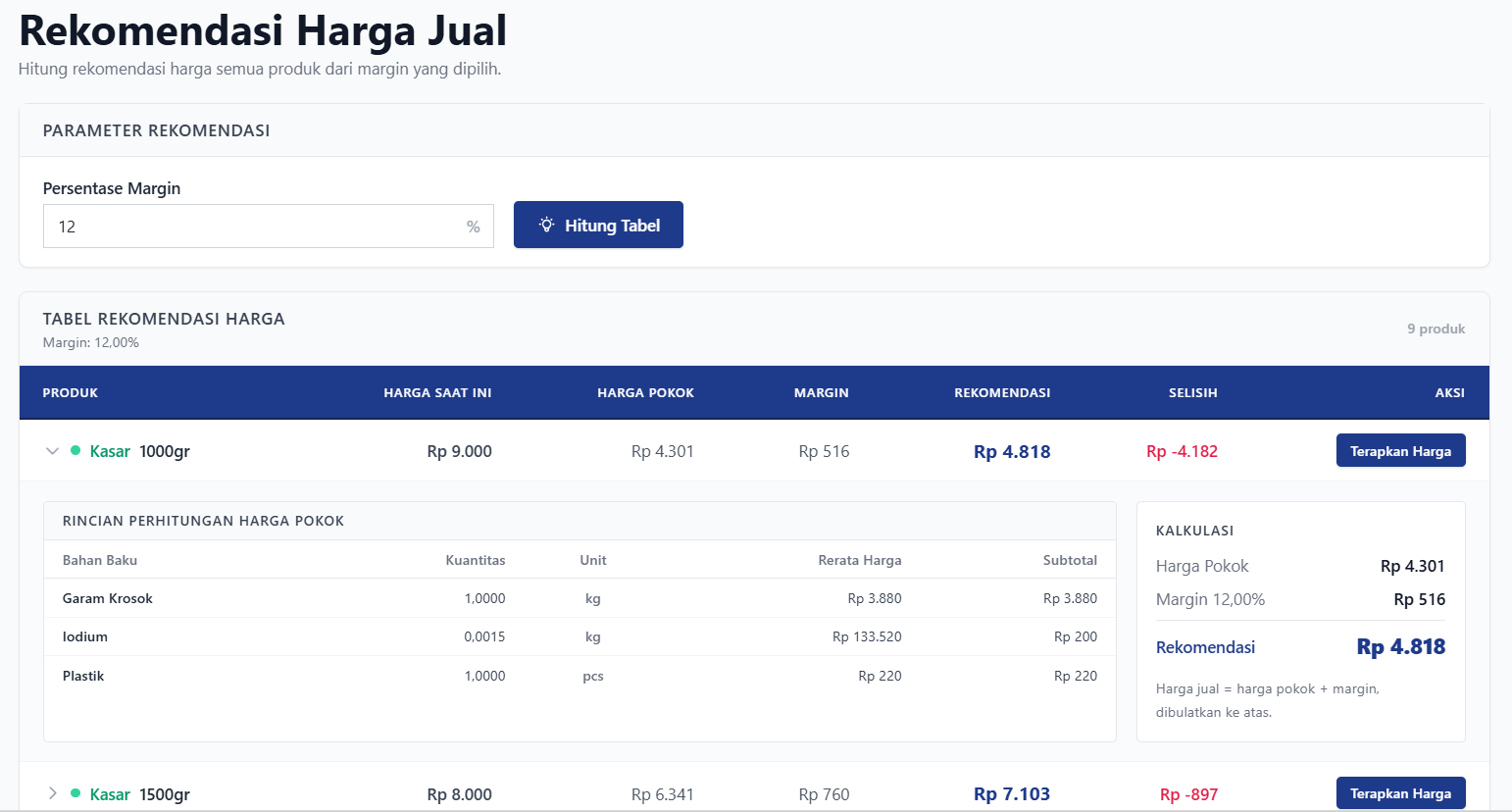
Price recommendation worksheet displaying BOM costs, margin percentage, and recommended unit prices.
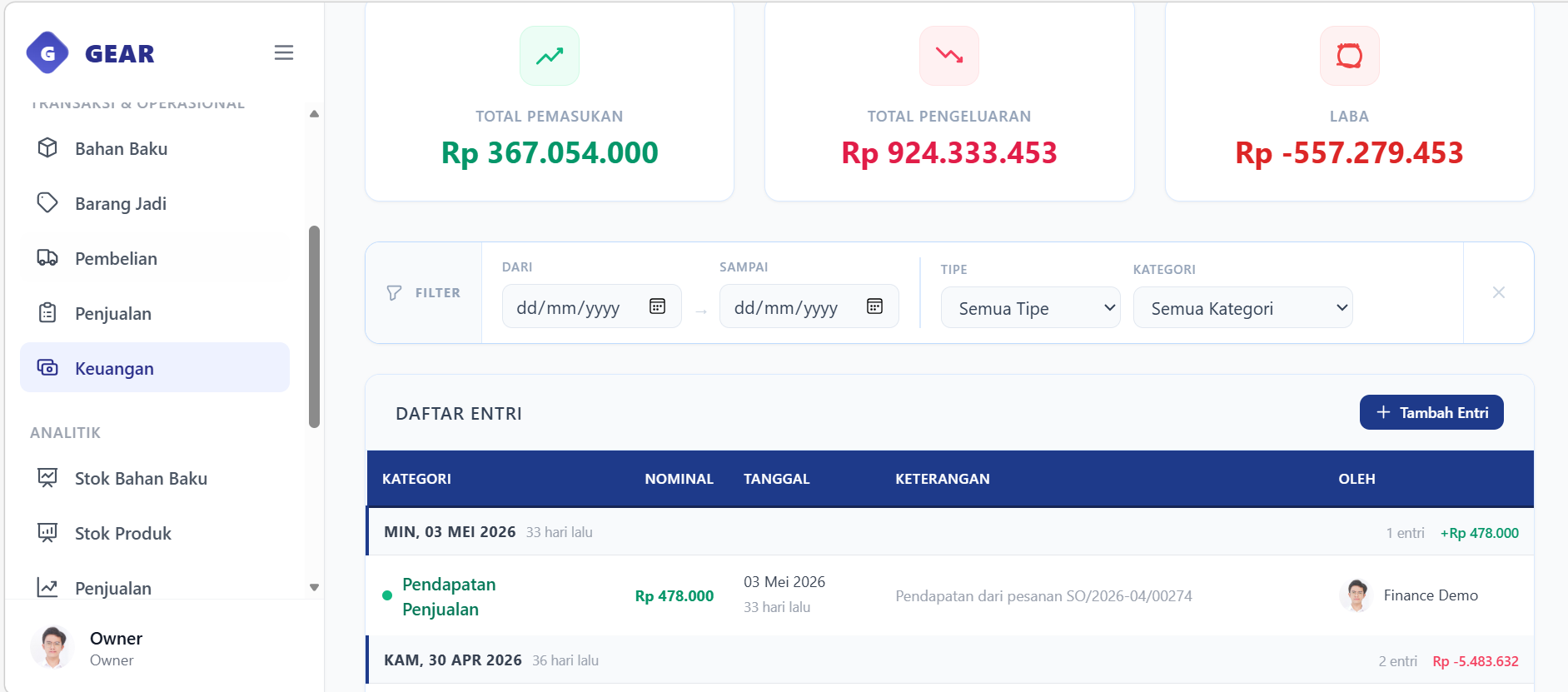
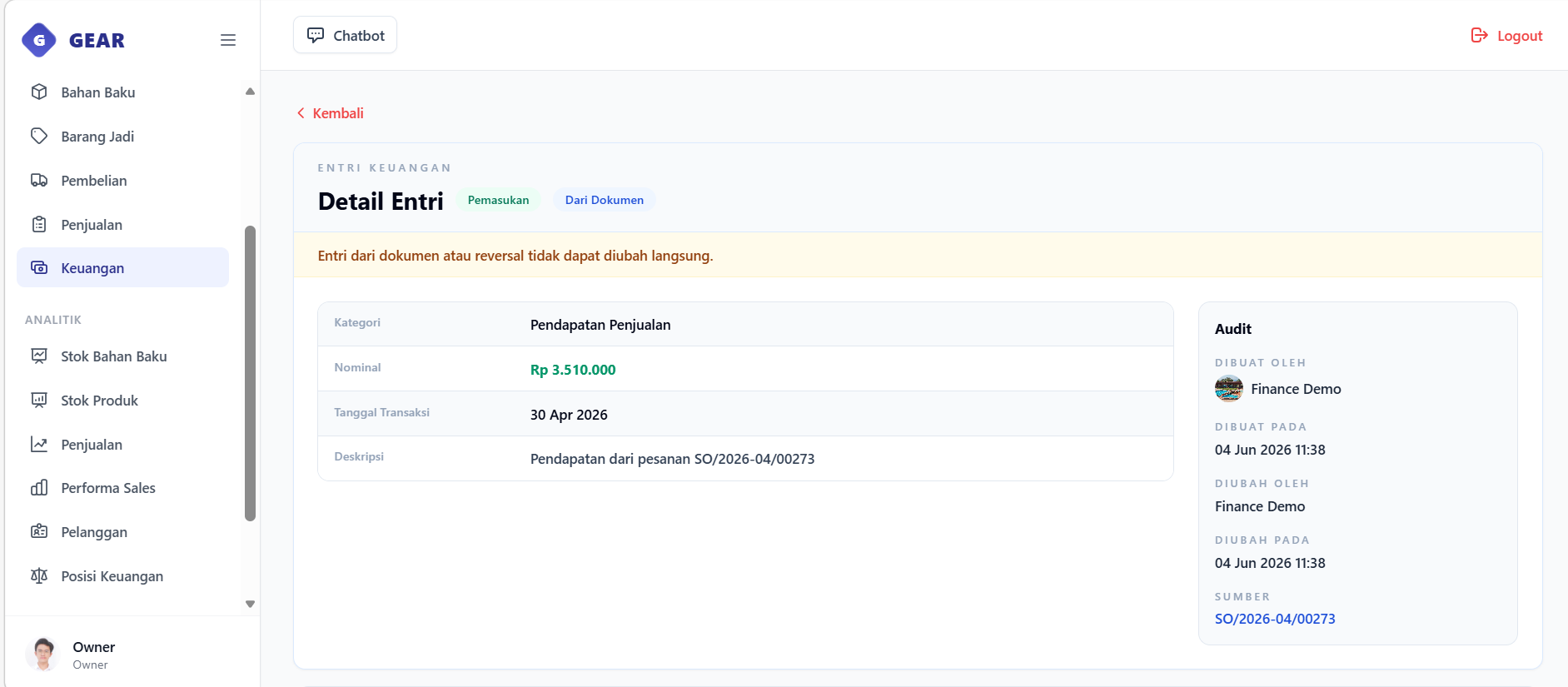
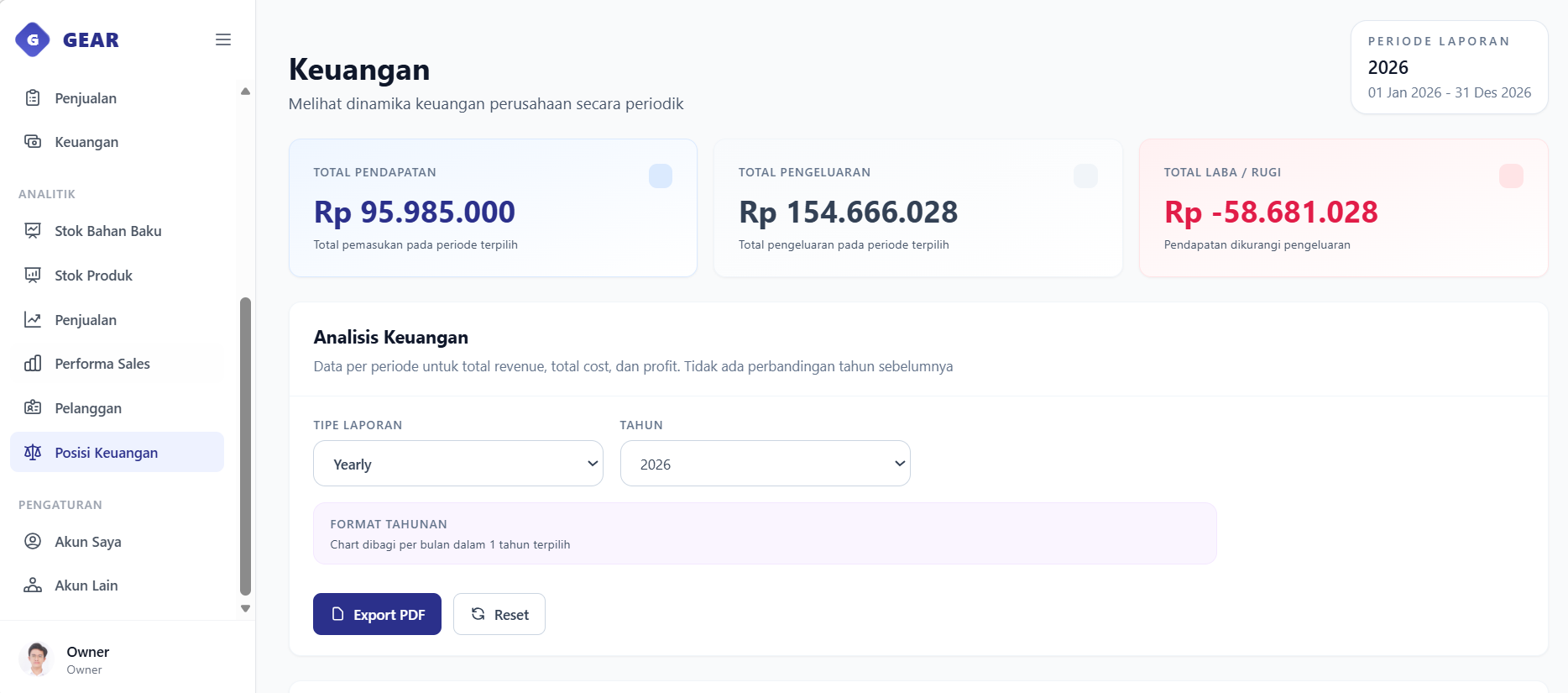
General ledger view displaying cash flow totals, finance entries, and categories.Finance entry detail page displaying transaction sources and creation details.Profit & Loss dashboard visualizing income and expense charts with PDF export controls.
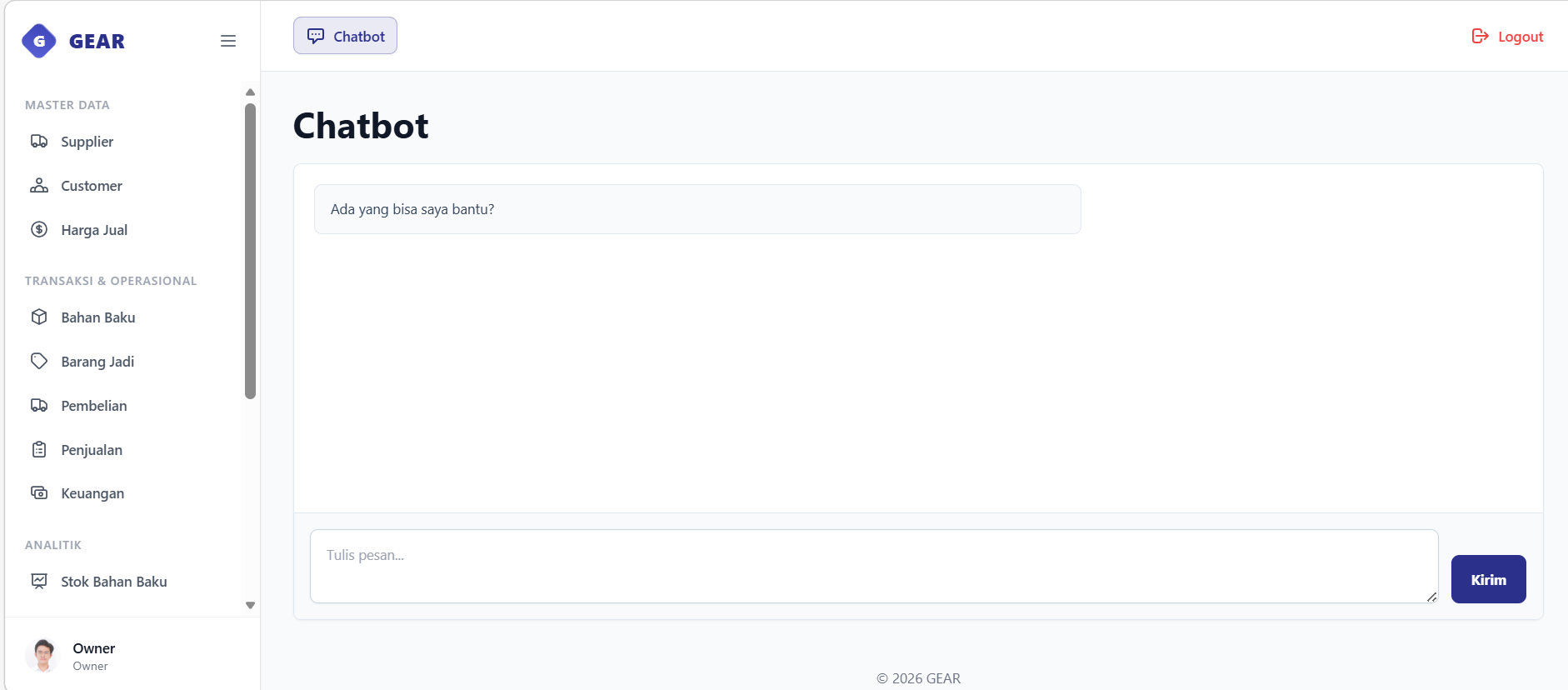
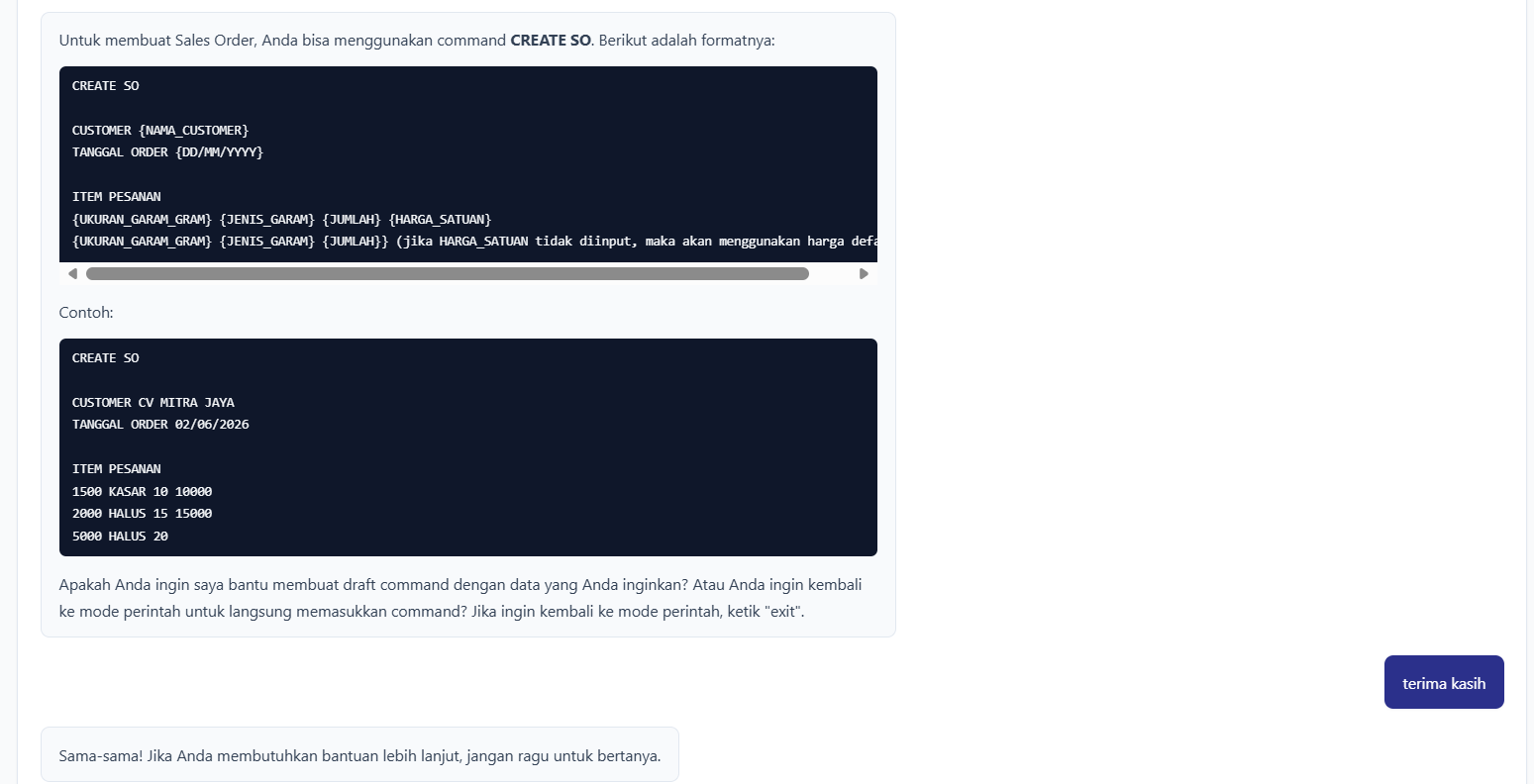
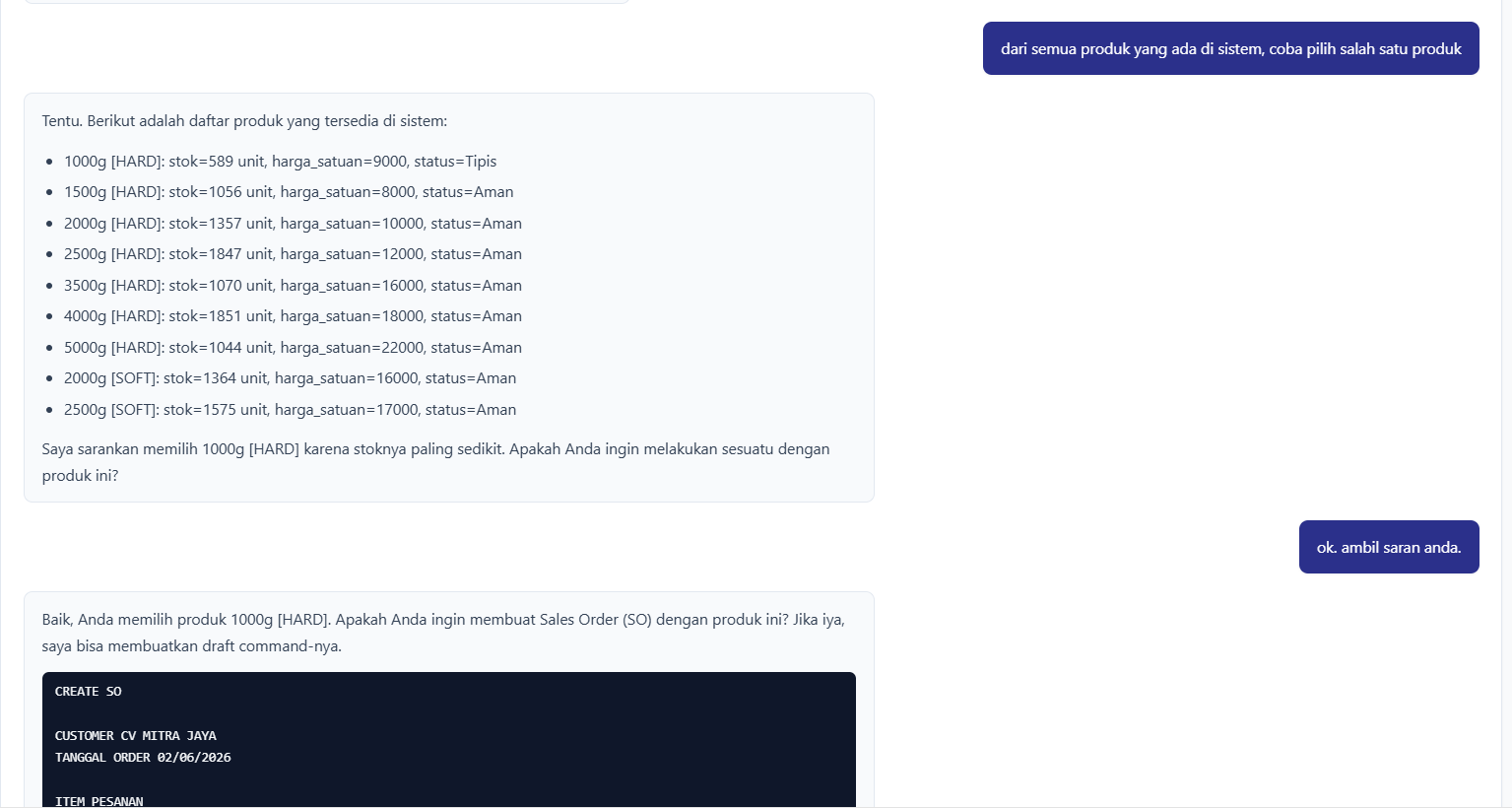
Web-based ERP chatbot interface in command mode, awaiting user commands.AI Mode response displaying the structured CREATE SO command template and format example.Stateful AI conversation recommending products based on stock levels and drafting commands using retained context.
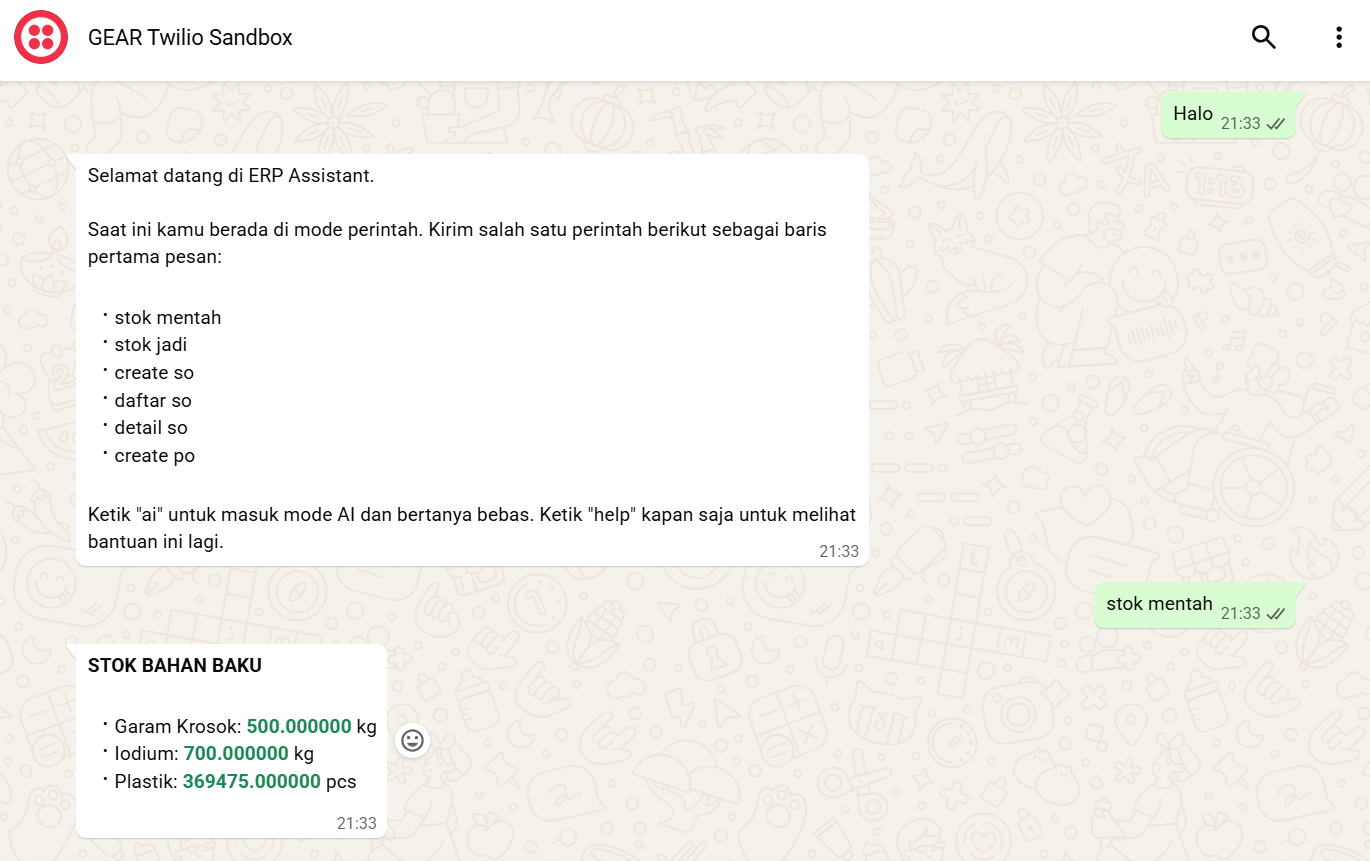
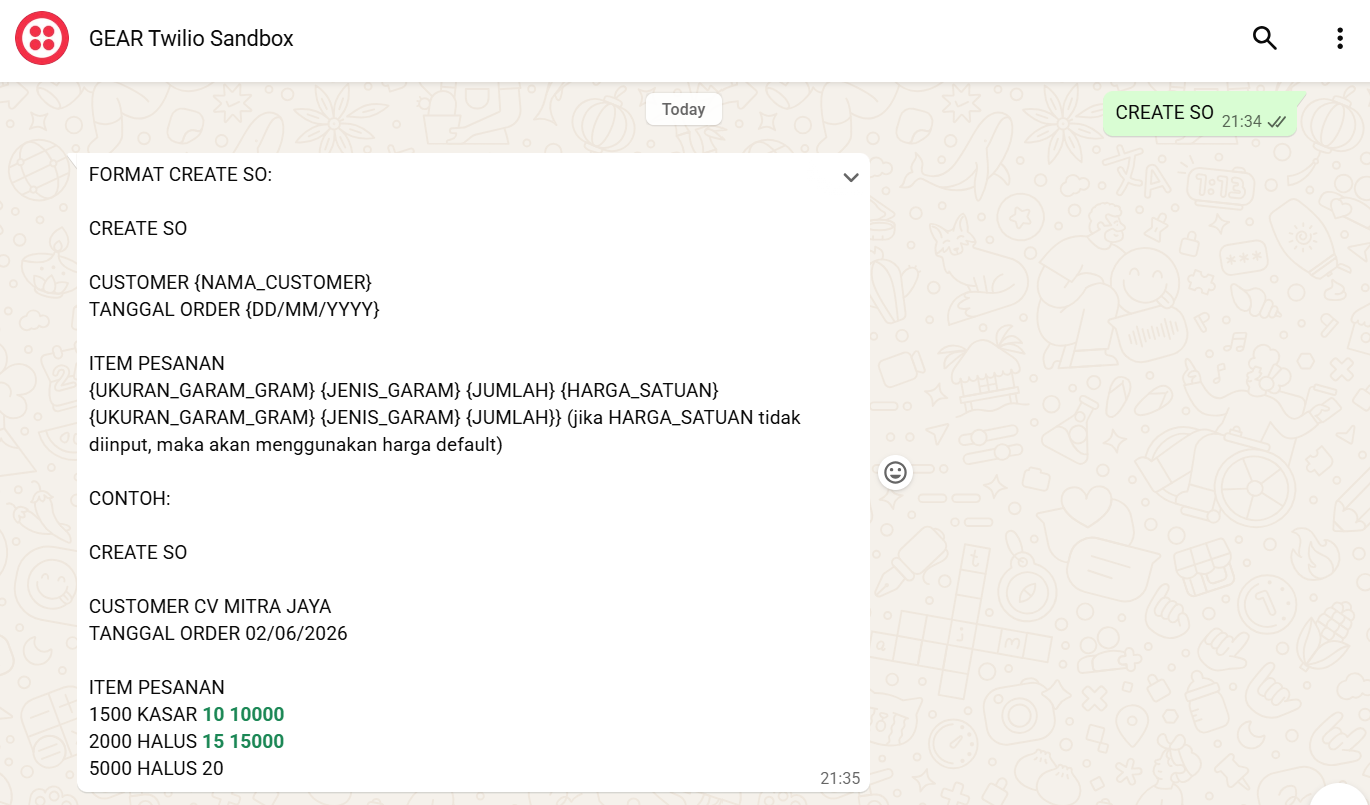
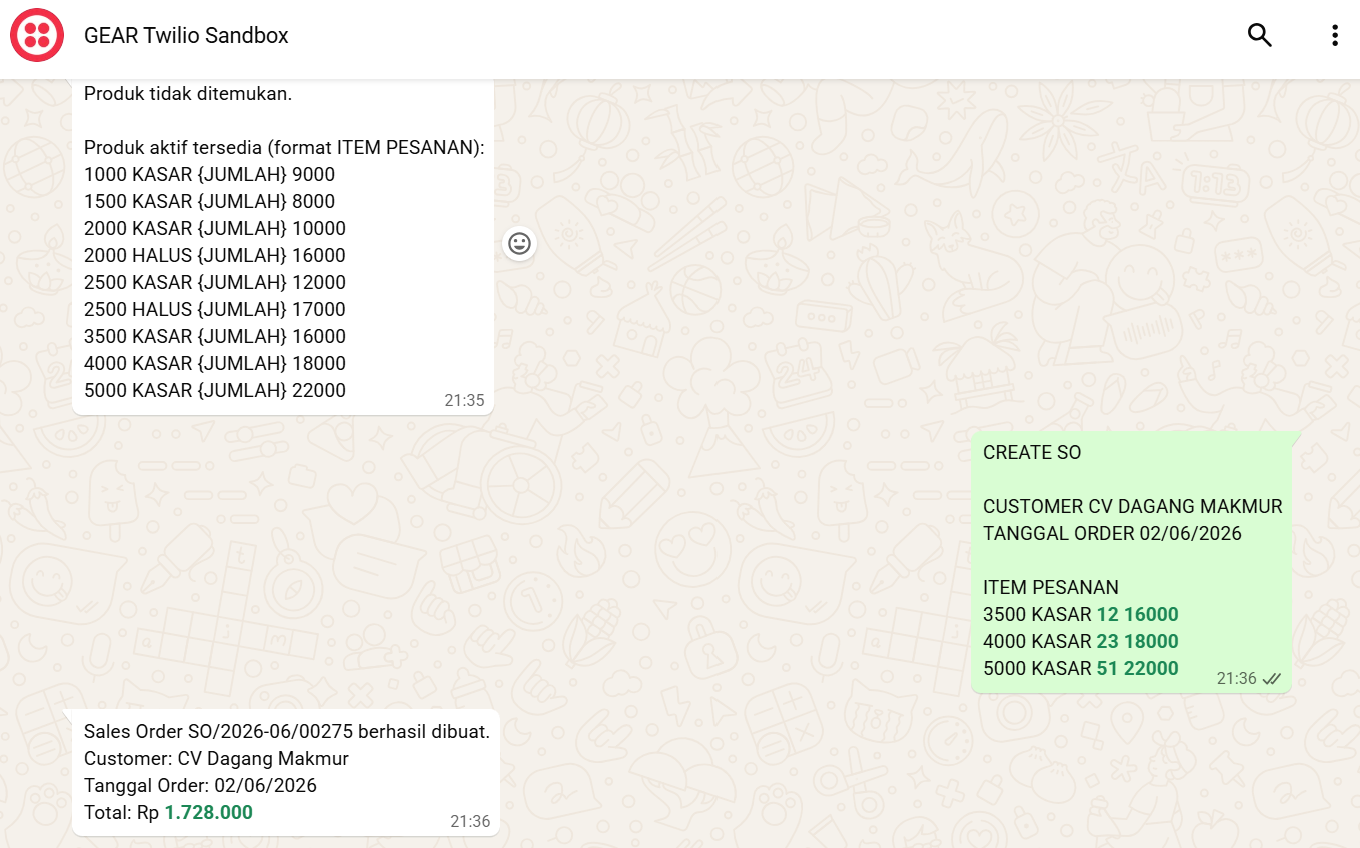
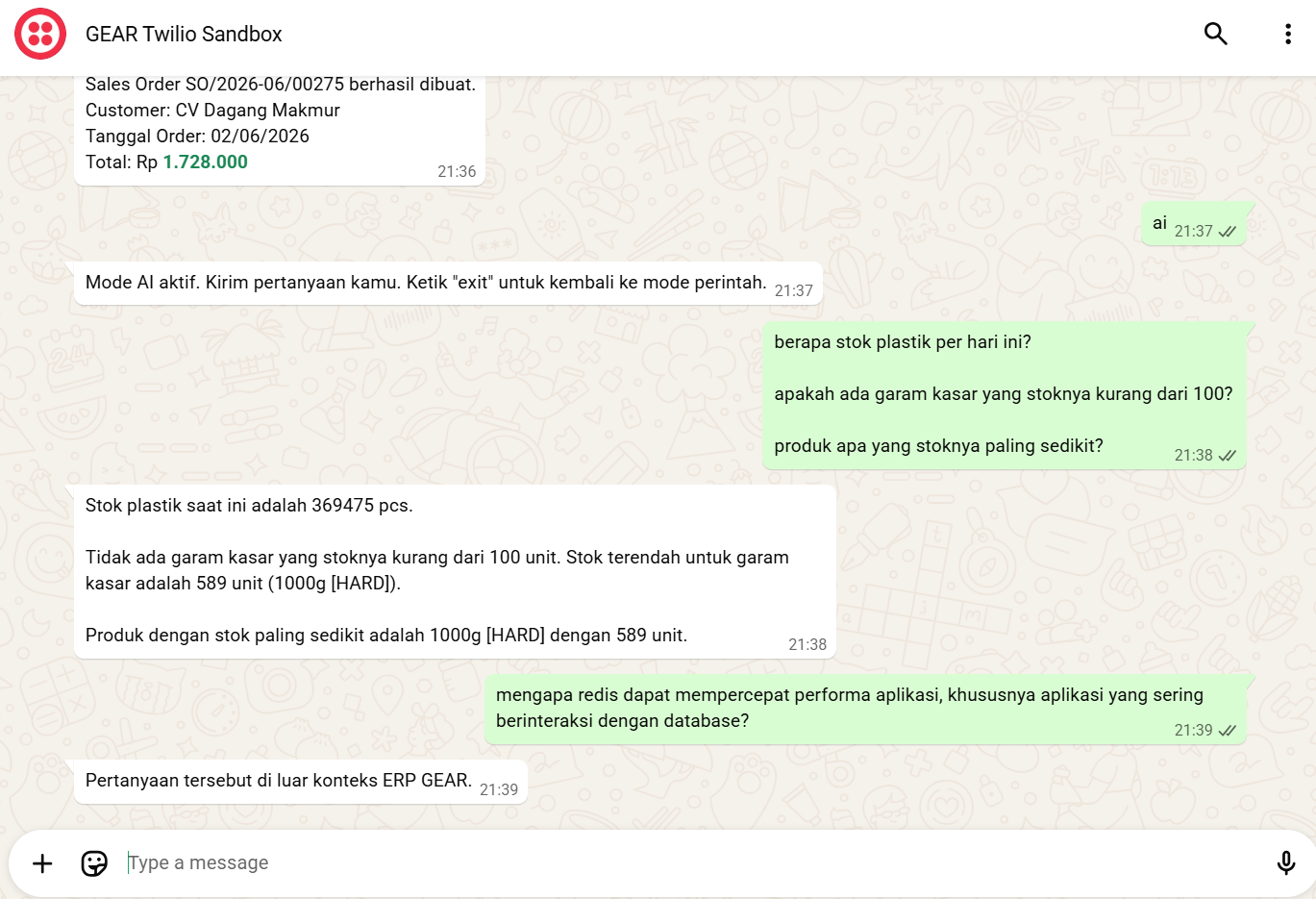
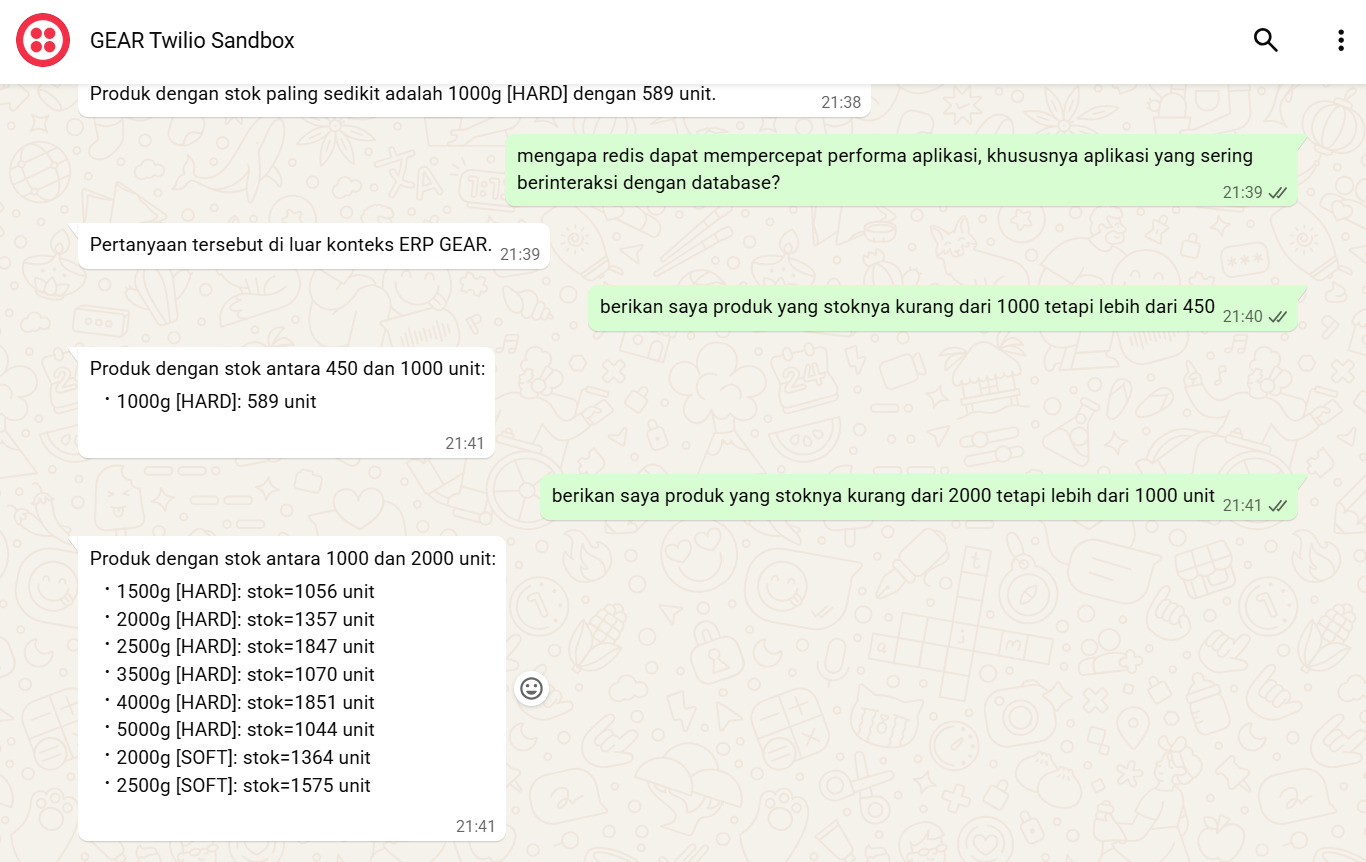
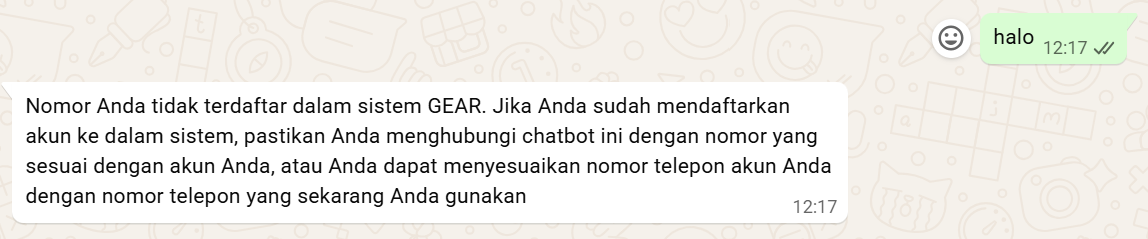
WhatsApp chatbot command mode menu listing raw material stock query results.WhatsApp chatbot displaying the required format details for a sales order command.WhatsApp chatbot response confirming the creation of a sales order.WhatsApp chatbot in AI Mode answering inventory questions.WhatsApp chatbot in AI Mode answering range-based stock queries.WhatsApp chatbot warning response for unregistered phone numbers.
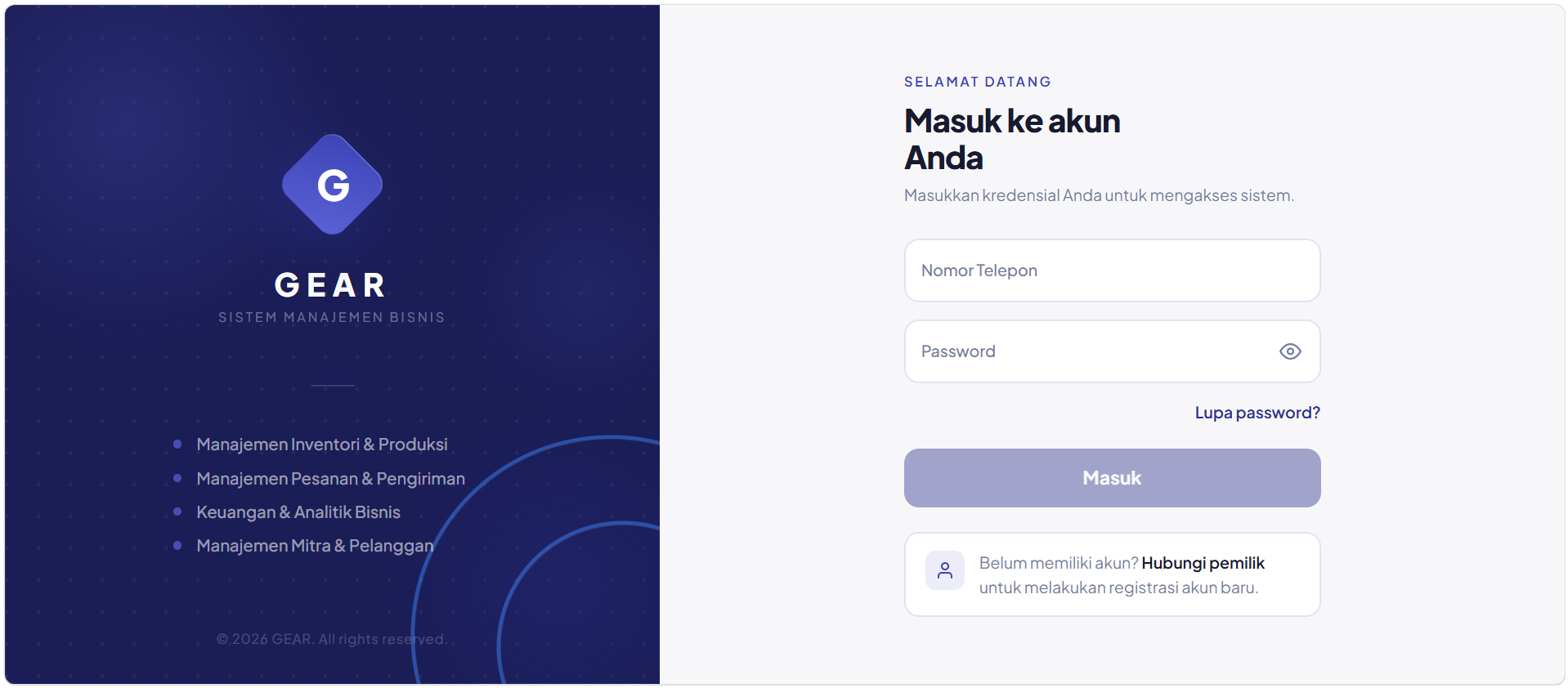
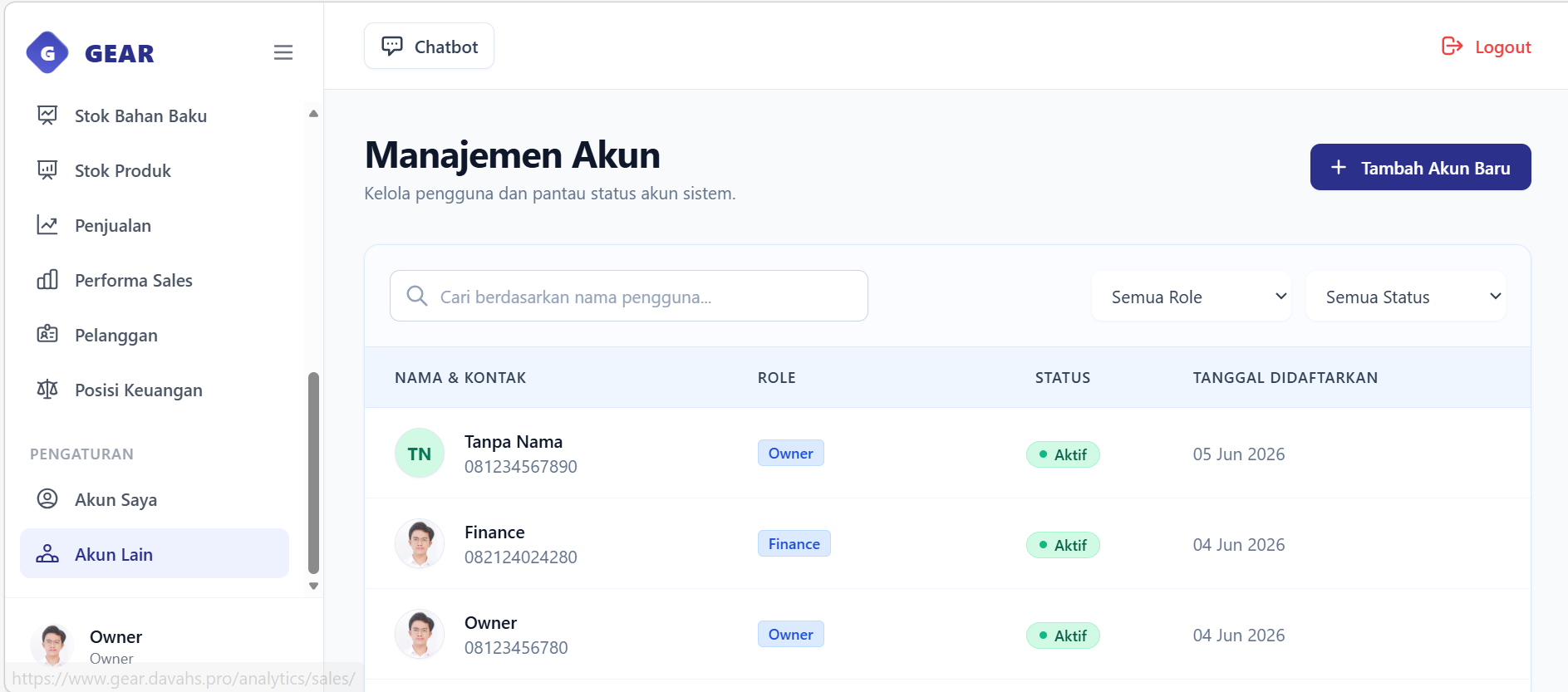
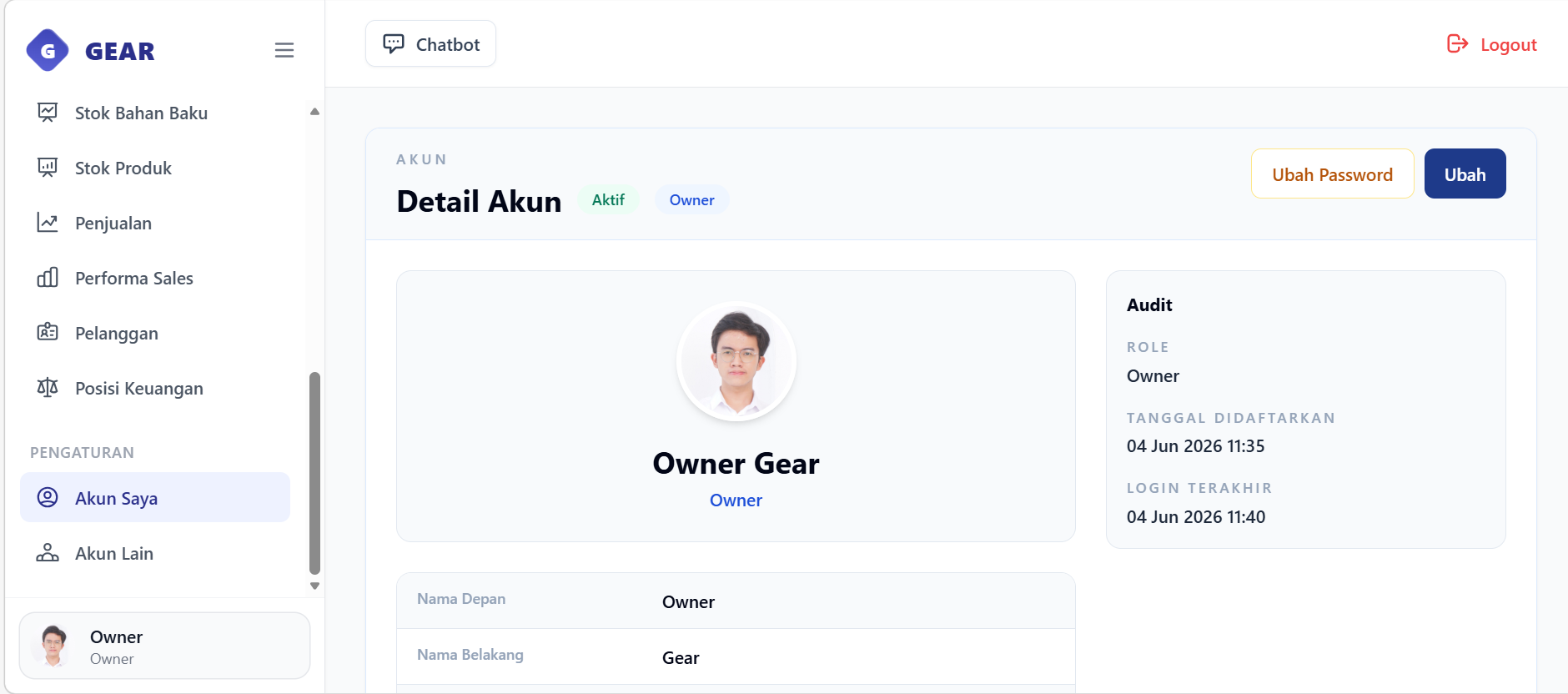
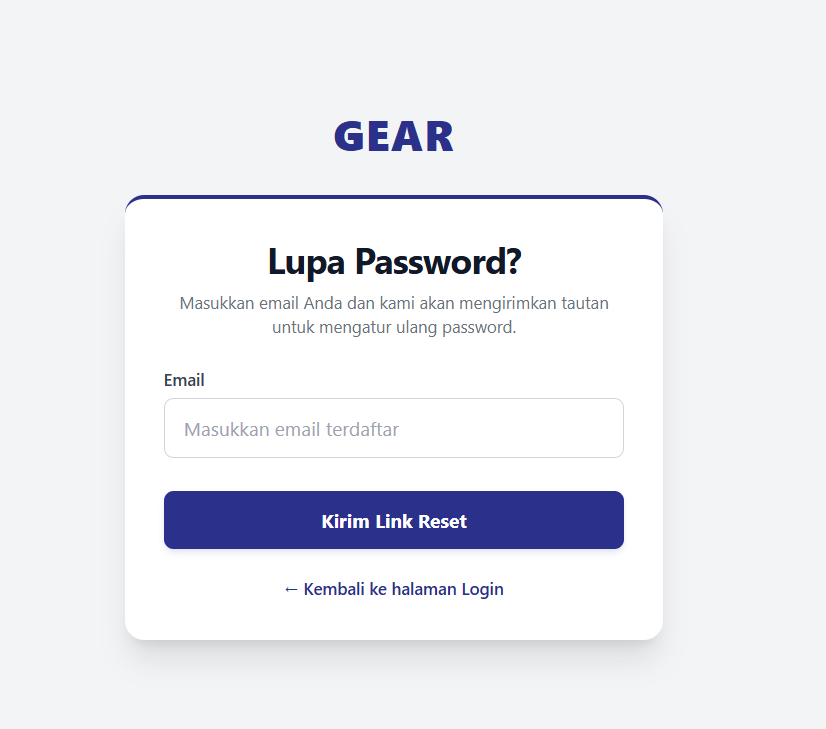
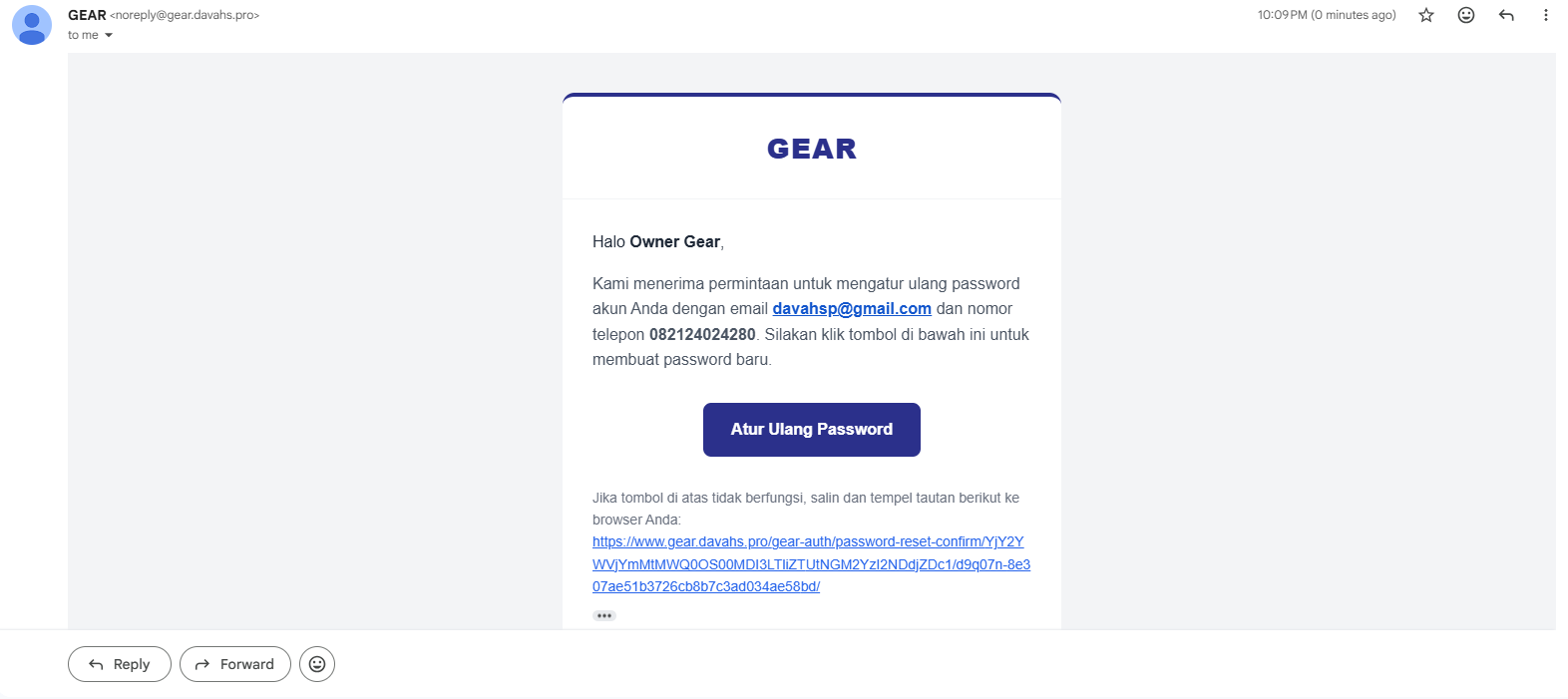
The login page prompting users for phone number and password.Account directory registry displaying roles, phone numbers, and status filters (admin/owner only).User profile page displaying phone number, role, permissions, and AccountEventLog history.Password reset request form prompting users for a registered email address.Verification email containing security reset tokens delivered via Resend API.
Use Cases
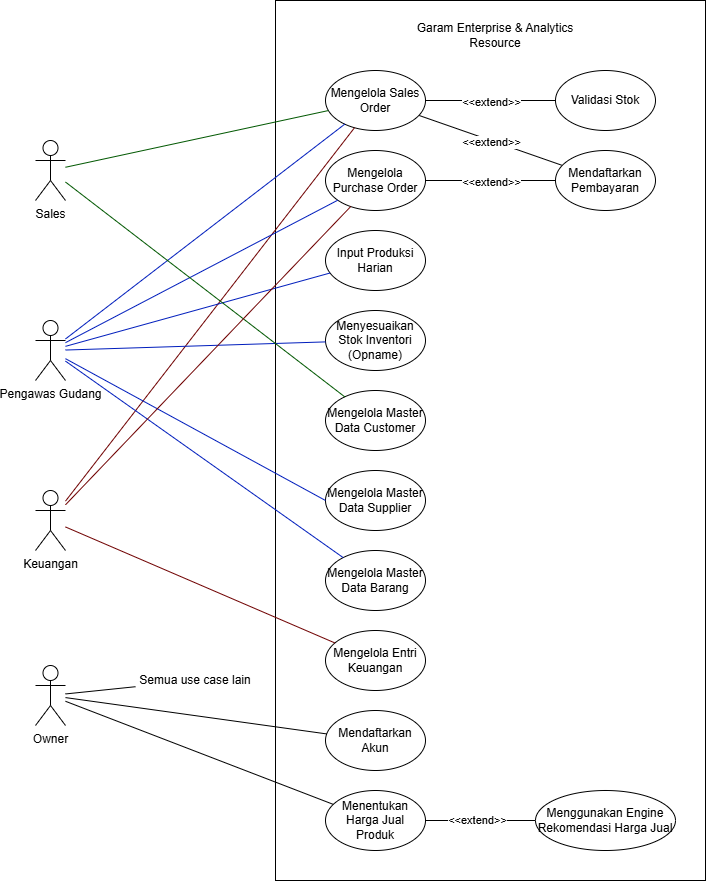
The system has four primary roles: Sales, Pengawas Gudang
(Warehouse), Keuangan (Finance), and Owner. The diagram below maps
each role to the operations it is permitted to trigger.
Use Case Diagram for Garam Enterprise & Analytics Resource
Modules
GEAR is organized into seven application modules, each owning a distinct business domain.
Sales
Sales Orders & Delivery
Manages the full sales order lifecycle across eight states: Draft → Awaiting Payment →
Payment Confirmation → Stock Validation → Ready to Ship → In Shipping → Completed (or Cancelled).
Product stock is deducted only at stock validation. A versioned delivery note is created
automatically at that point and can be revised until the order ships. On completion, customer
transaction statistics are updated.
Procurement
Purchase Orders
Handles raw material purchasing through a three-step state machine: Pending → Received →
Payment Validated. Receiving the order creates raw-material stock movements and increments stock.
Payment validation generates an expense finance entry and updates supplier transaction statistics.
Voiding at any stage reverses all created stock movements and finance entries.
Inventory
Stock, Production & BOM
Tracks raw-material and finished-product stock through signed movement rows. Daily production
records use a versioned snapshot pattern: each revision first reverses movements from the
previous snapshot, then replays the new quantities. Bill of Materials lines define the
raw-material consumption required per product batch. Stock opname (adjustment) creates a
corrective movement for the delta between physical and system stock.
Finance
Entries & Ledger
Centralizes all income and expense entries. Entries generated by sales payment confirmation and
purchase payment validation are system-owned and cannot be manually edited. Corrections are
applied through document cancellation or void, which creates linked reversal entries. Manual entries
support soft deletion and restoration. Entry categories are also soft-deletable, except for
protected system categories.
Analytics
Reporting Dashboards
Read-only dashboards over operational data: sales performance by rep (frequency, revenue, AOV);
finance P&L by week, month, or year with PDF export via ReportLab; raw-material and
finished-product stock time series; customer loyalty segmentation (New, Loyal, At Risk,
Moderate, Inactive); and sales lifecycle funnel metrics.
Pricing
Price Recommendation
Recommends product selling prices using BOM cost plus a configurable margin percentage. The base
cost is computed from each BOM line's quantity multiplied by the weighted-average unit price of
that raw material across finalized purchase orders. A worksheet UI and a JSON API allow managers
to review and push recommended prices directly to product records.
Auth
Accounts & Permissions
Uses a custom Account model with phone number as the login identifier instead of
username. Role-based access is enforced through Django groups (Sales, Warehouse, Finance) with
Owner represented by is_superuser. Supports account creation, deactivation,
restoration, self-service password change, and password reset via email (Anymail/Resend).
Chatbot
Chatbot Interface
Provides two access interfaces: a web chat UI and WhatsApp via Twilio. Both channels share the
same service layer and session management, with access scoped to the authenticated user's
Django permissions.
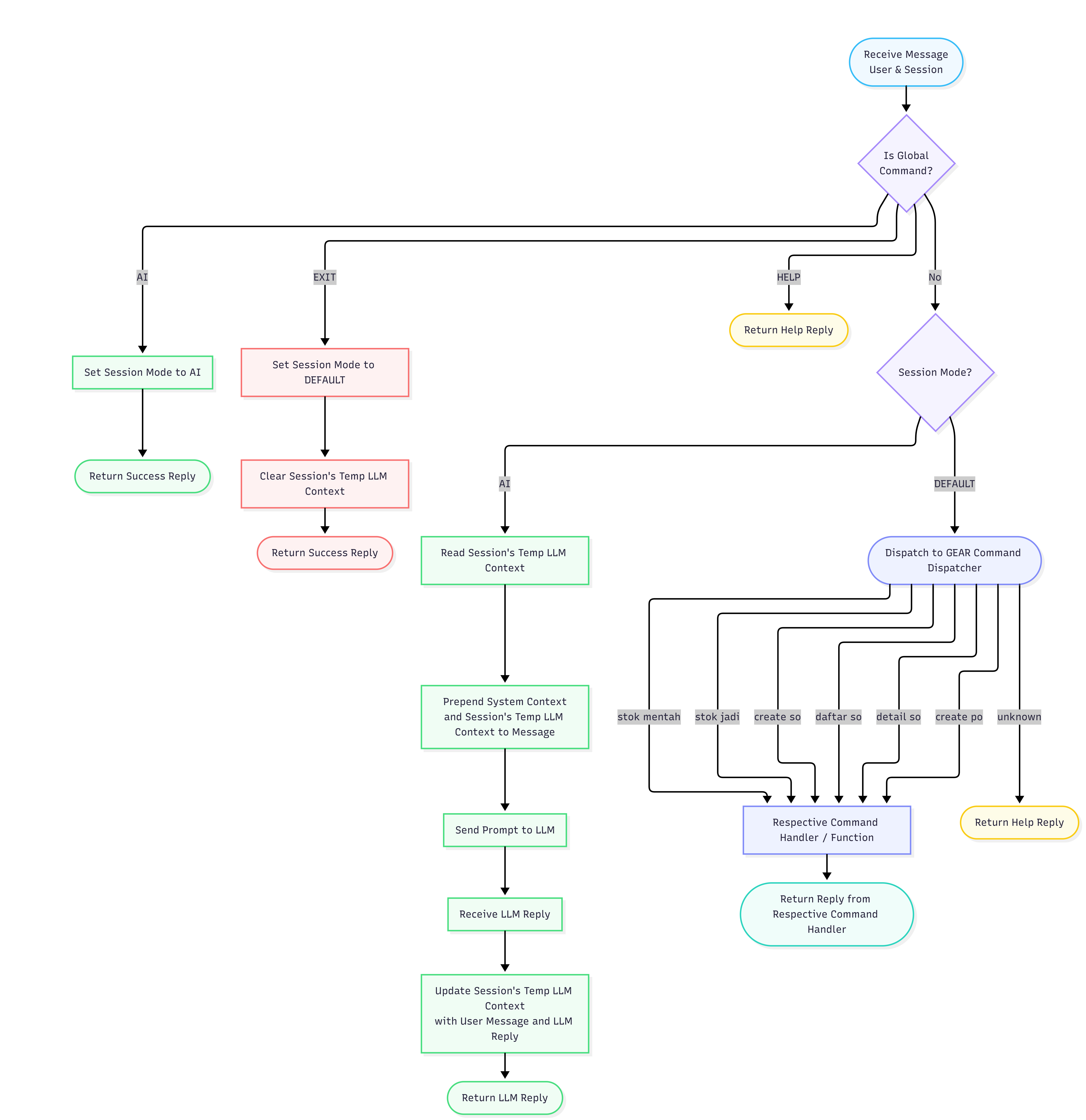
Sessions operate in two modes. In default mode, the bot responds to a set of
pre-defined commands (stok jadi, create so, create po,
daftar so, detail so, stok mentah) with deterministic
outputs routed through the same service functions used by the web UI. Each command is
permission-checked before execution.
Sending ai switches the session to AI mode, where free-form
messages are combined with the session's temporary context and forwarded to Ollama Cloud. The system prompt is assembled per-request from a
base ERP context plus module-specific context files for only the modules the user can access,
with live DB snapshots injected when the user has the relevant permissions. The conversation
history (each exchange of user message and model reply) is stored as temporary context in the
session using a bounded data structure to prevent unbounded memory growth. Sending
exit or idling for 30 minutes clears the session and returns to default mode.
Infrastructure Architecture

Production traffic is routed through the VPS public IP after DNS resolution. Nginx listens on ports 80 and 443, handles HTTPS termination, serves /media/ and static aliases directly, and forwards Django requests to Gunicorn over a local Unix socket at /var/www/gear/config.sock. Certbot manages certificate renewal under /etc/letsencrypt/.
The Django application runs as modular ERP domains: auth, procurement, inventory, sales, finance, analytics, pricing, and chatbot. These modules share a PostgreSQL database on localhost:5432. External integrations are isolated at the edge: Resend API handles production email delivery, Ollama Cloud provides AI responses for chatbot free-form mode, and WhatsApp user messages enter through Twilio to call the Django webhook at DOMAIN_NAME/chatbot/whatsapp/webhook/.
Infrastructure Architecture: production deployment topology
Chatbot Architecture
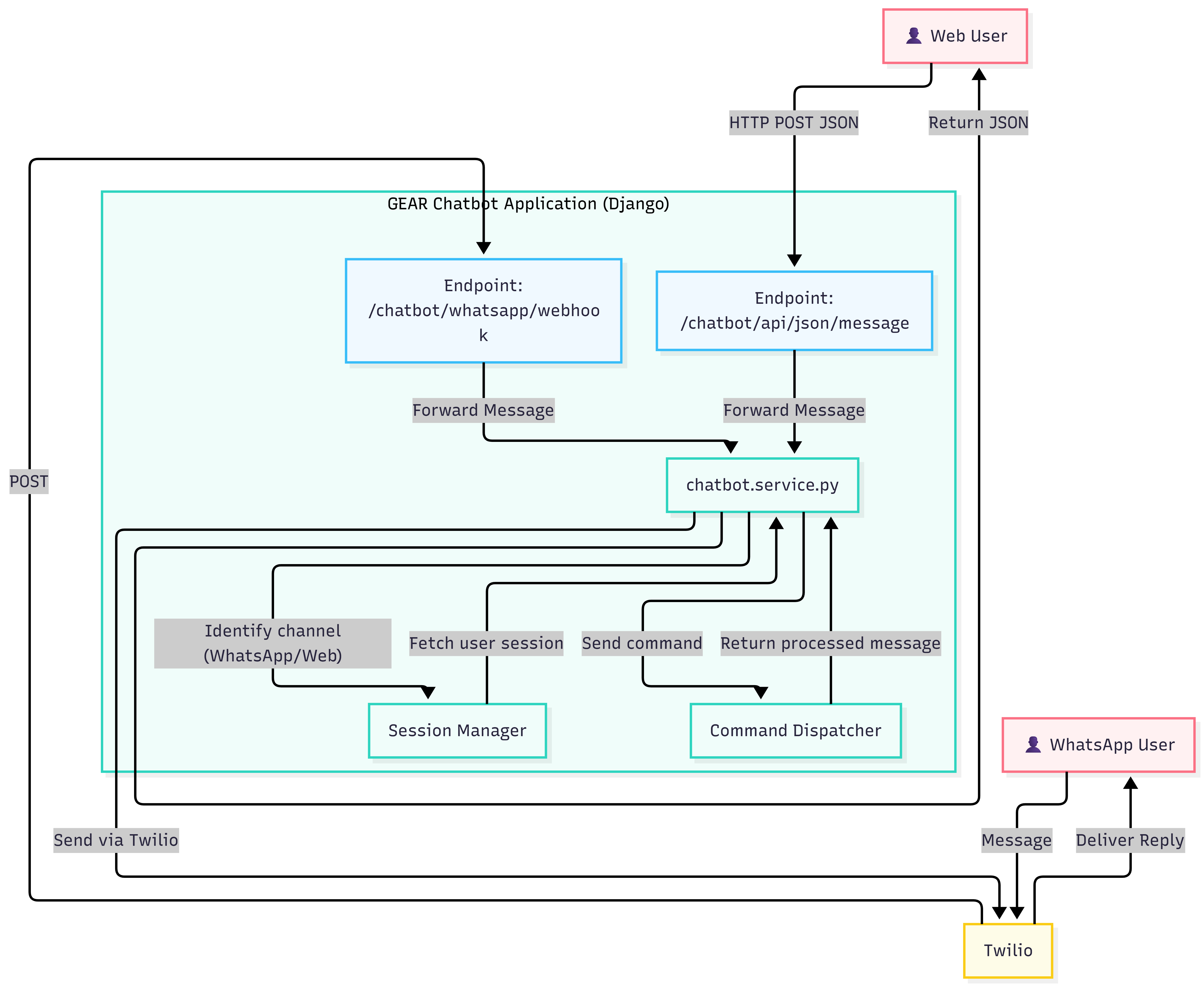
The chatbot is accessible through two channels: WhatsApp via Twilio and a web JSON endpoint.
Both channels share the same service layer and session management.
Incoming messages from either channel are forwarded to chatbot.service.py, which
identifies the channel, fetches the user's session from the Session Manager, and routes the message
to the Command Dispatcher. Processed replies are returned to the service, which sends them back
through the originating channel: JSON for web users, or via Twilio for WhatsApp users.
Sessions operate in two modes. In command mode (default), the dispatcher matches
known commands (stok jadi, create so, create po, etc.),
checks the user's permissions, and routes to the appropriate handler. Each handler calls the same
service functions used by the web UI. Sending ai switches to LLM mode, where
free-form messages are passed to Ollama Cloud with a permission-scoped system prompt.
Sessions reset to command mode after 30 minutes of inactivity.
Chatbot Architecture: dual-channel entry with shared service layerCommand Dispatcher: internal routing detail